Access rights


|
Access rights |
|
|
There are four categories of access rights in Axence nVision®:
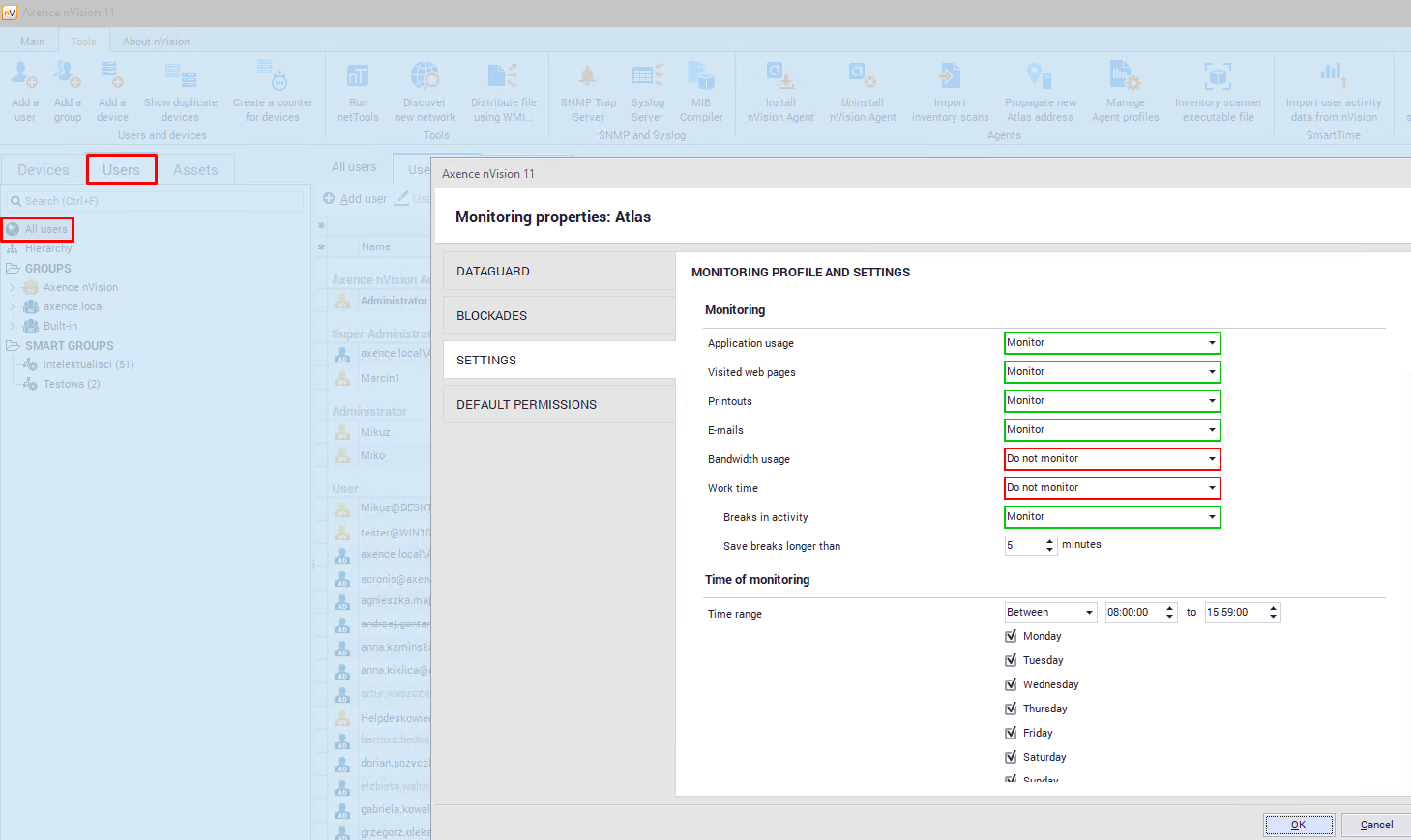
Devices without a file system have only one category of access rights. It is on if using the device is allowed and off otherwise. To set global access rights to storage media: 1.On the Users tab, right-click on All users. 2.Select Properties of all users from the context menu. 3.In the Monitoring properties: Atlas window, open the DataGuard > Access rights tab.
4.Add or edit the rights for the selected device. 5.Close the window. To set access rights for a group: 1.On the Users tab, right-click on the name of the group. 2.Select Group information from the context menu. 3.In the group information window, open the DataGuard > Access rights tab. 4.Add or edit the rights for the selected device. 5.Close the window. To set access rights to storage media for a specific user: 1.On the Users tab, double-click on the user row. 2.In the user information window, open the DataGuard > Access rights tab. 3.Add or edit the rights for the selected device. 4.Close the window. On each level, you can grant access rights for a specified time only. |