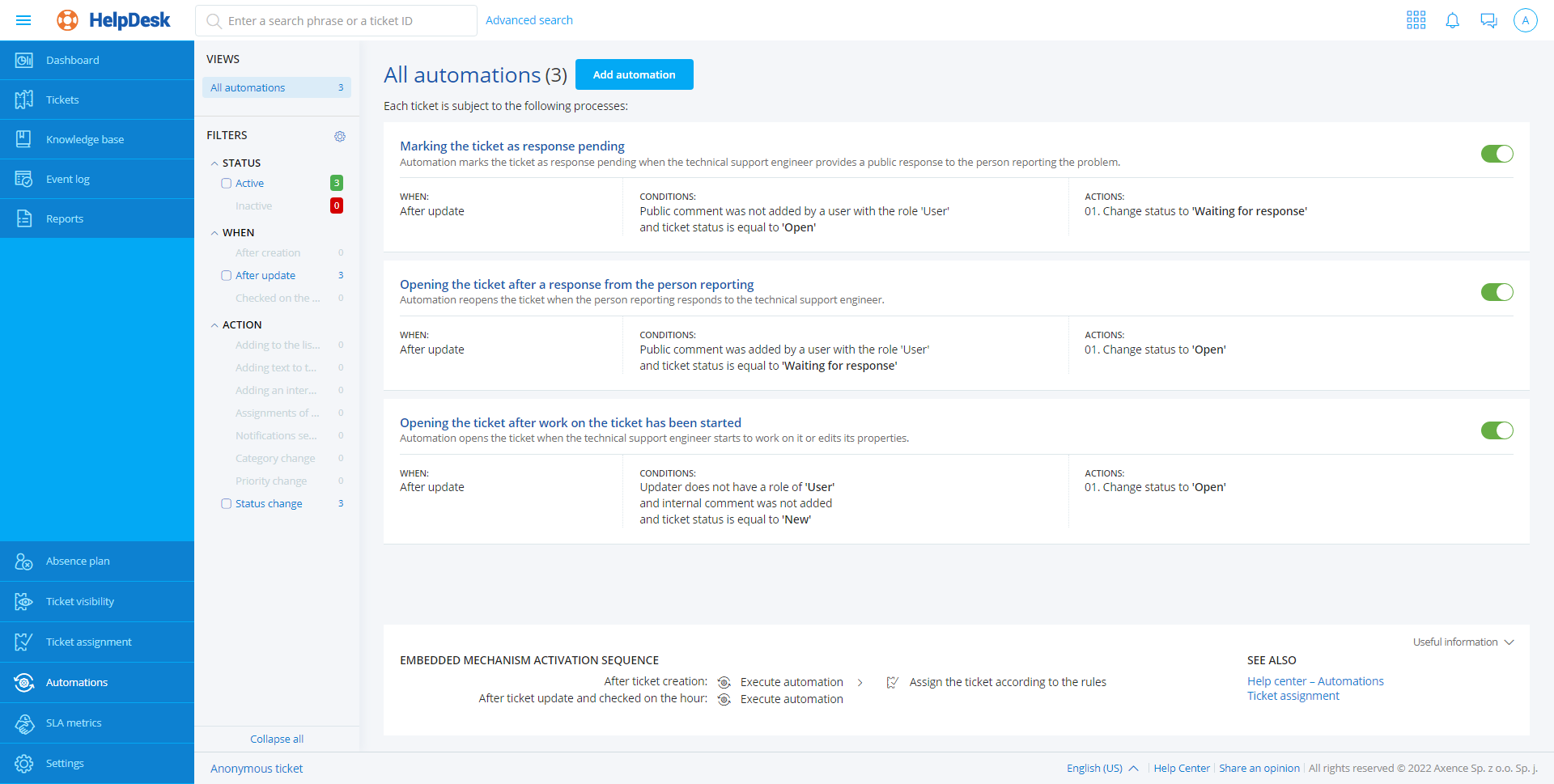
Automation list


Automation list |
|
|
The defined automation rules are presented as a list showing the specific rules in the form of tiles. A single tile representing the specific automation includes: •automation title, •context actions – allowing the editing, deleting and change of the status of the automation, •automation status – as a colored bar: red – deactivated automation, green – active automation, •automation description, •automation trigger, •list of conditions, •list of actions.
The left-hand part of the automation list displays a quick preview, which allows the automations to be efficiently filtered: •state: ▪active, ▪deactivated, •trigger: ▪performed when the trouble ticket is created, ▪performed when the trouble ticket is updated, ▪performed daily. |