Device descriptions


|
Device descriptions |
|
|
Devices connected to monitored computers initially have default names given by Axence nVision®. You can change the name and also restore the default name. To change the name of a device: 1.Open the Device properties window by double-clicking on the device in the list of devices. 2.Enter your own device name in the Name field.
To restore the default name of the device, click on the |
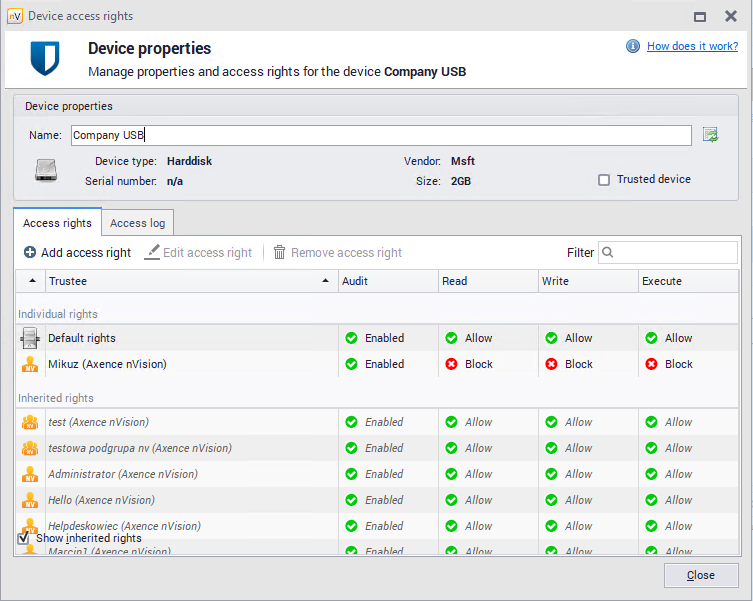
 button on the right side of the