Merging devices


|
Merging devices |
|
|
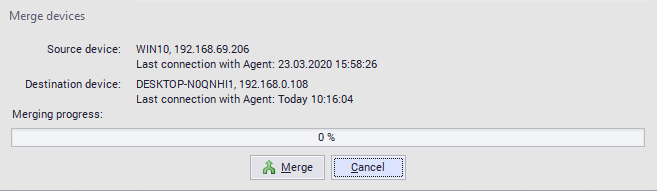
To merge devices: 1.In the Devices > Agents view, select the devices you want to merge. 2.Right-click and select Agent > Merge devices. The Device merging window opens. 3.To start merging, click on the [ Merge ] button. The old device is deleted from the map.
|