To delete a profile:
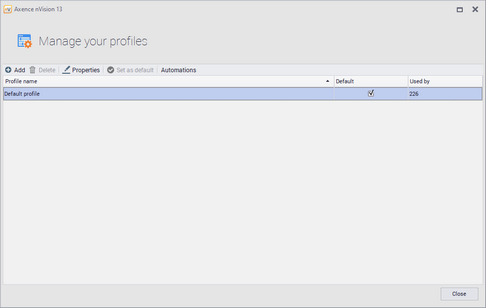
1.In the nVision console, click on the Tools tab. 2.Click on [ Manage profiles ]. 3.In the profile management window, click on the profile and click on [ Delete ] above the list, or right-click on the profile in the list and click on Delete. 4.Click on [ Yes ] in the confirmation window. The profile is deleted and no longer appears in the list. If you delete a profile used on a device, the default profile is set for this device.
Important! You cannot delete the default profile. To delete it, first set another profile as the default.
|


