Protocols


|
Protocols |
|
|
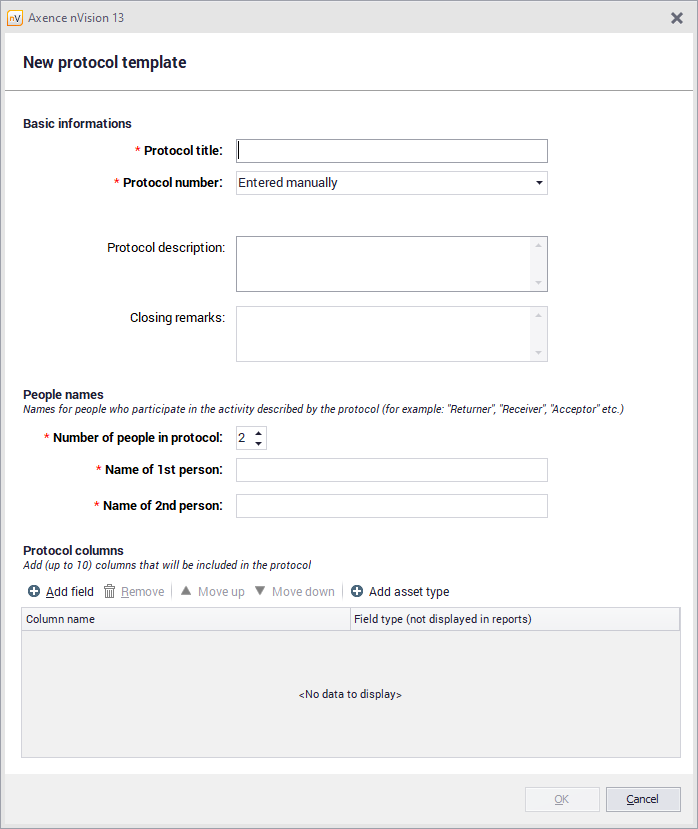
In the Asset settings window, on the Protocols tab, Administrators with access to the Inventory module can view the list of protocols generated by the system (see Protocol generation). The table has the following columns: •Protocol title •Protocol number •Date •Assets (number) •Persons (number) You can filter the table by protocol title and search it by keywords. The following actions are available: •Add – opens the protocol generation window •Delete – deletes the protocol •Open – opens the protocol in the browser •Save – exports the protocol to a .PDF file
|