Adding widgets


|
Adding widgets |
|
|
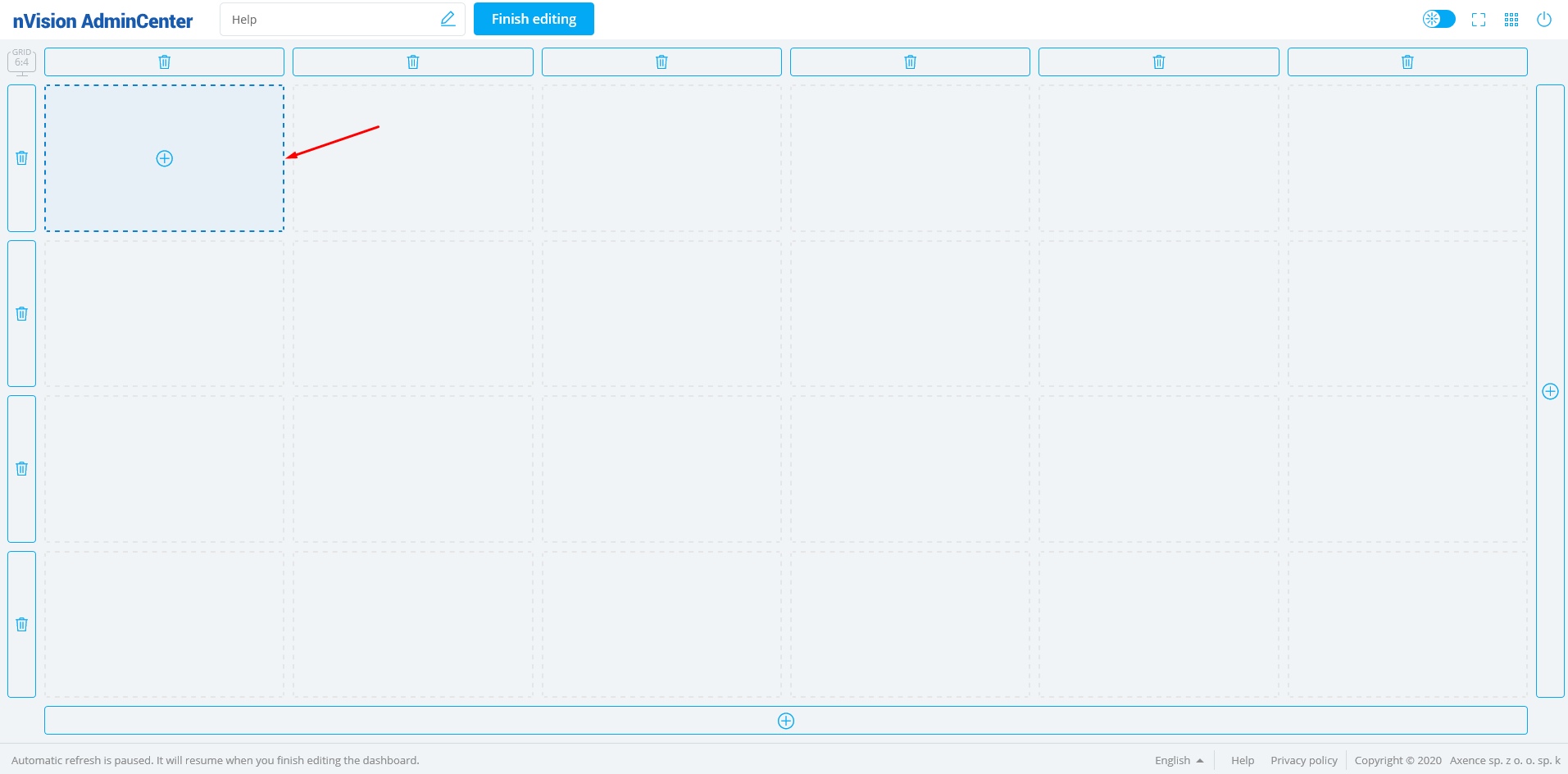
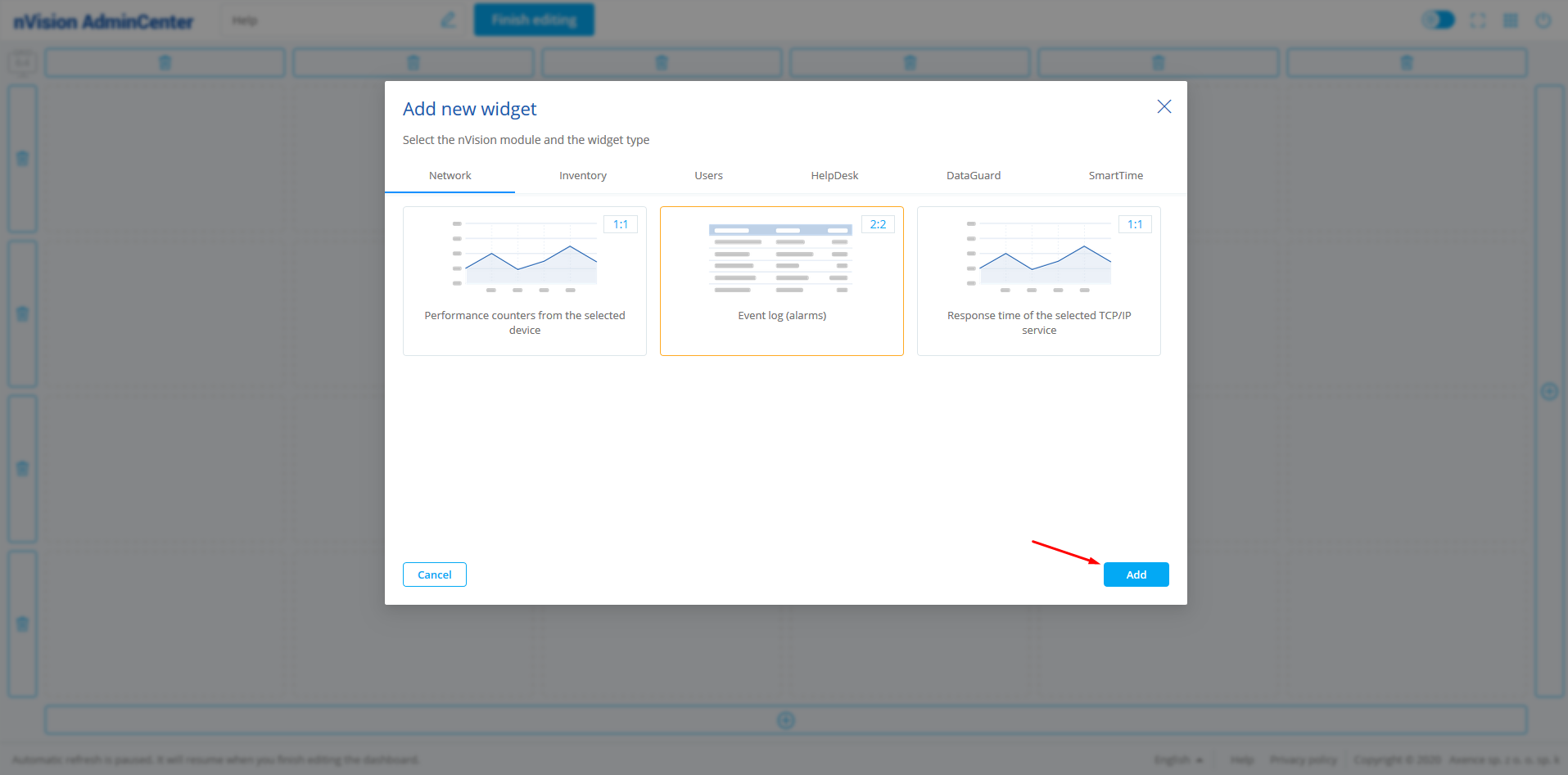
To add a new widget to an existing dashboard: 1.Select the dashboard from the list. 2.Switch to edit mode. 3.Click on the field in which you want to place the widget. 4.Select one of the available widgets. 5.Confirm with [ Add ]. 6.Optionally, give the widget a new name. 7.If needed, adjust the parameters.
|