Changing the grid size


|
Changing the grid size |
|
|
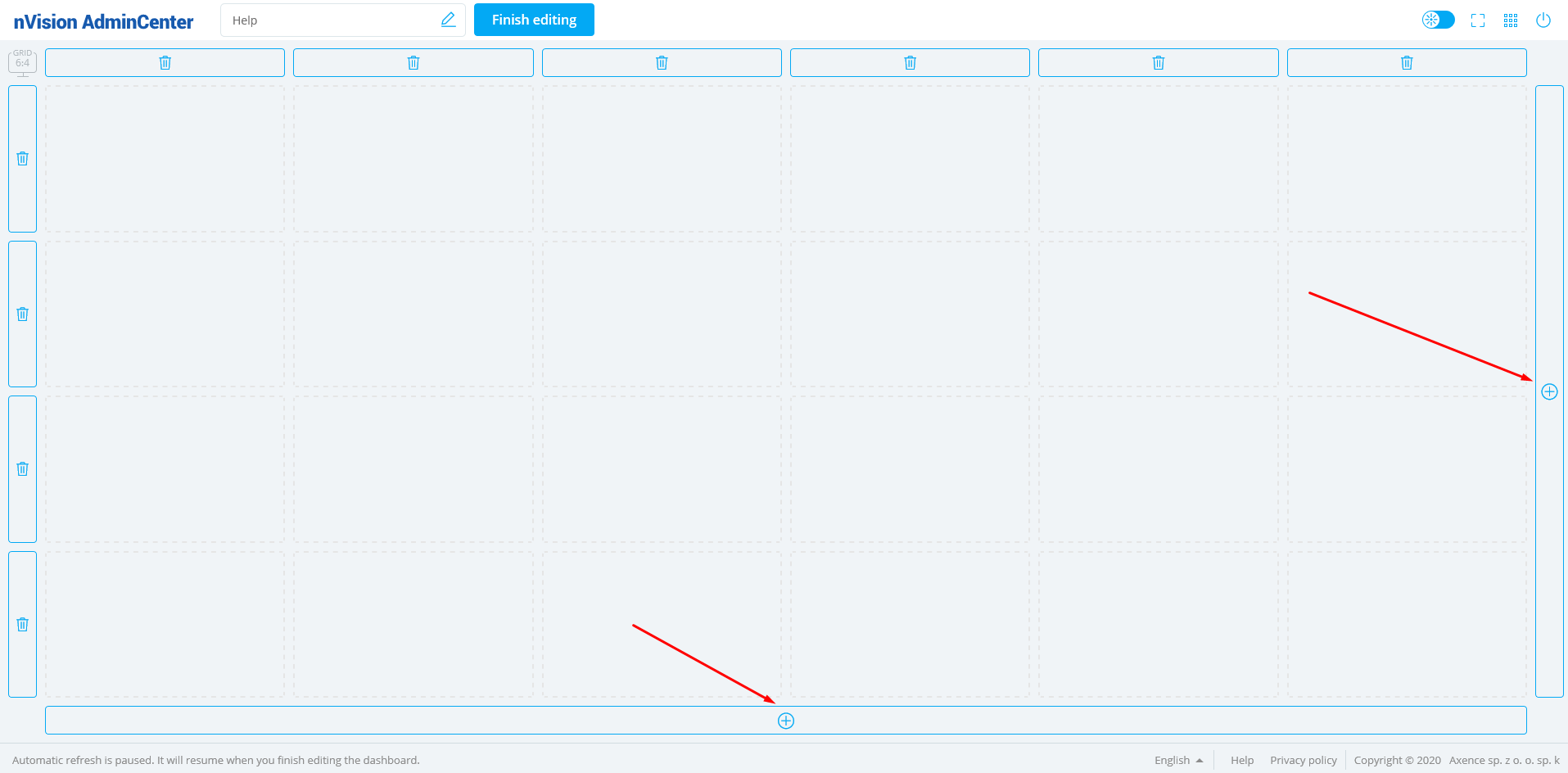
In edit mode, you can change the widget grid layout and thus the size of the dashboard. To enlarge the dashboard and fit more widgets, add columns or rows to the grid with the [ + ] button on the right side of the screen (columns) or at the bottom (rows).
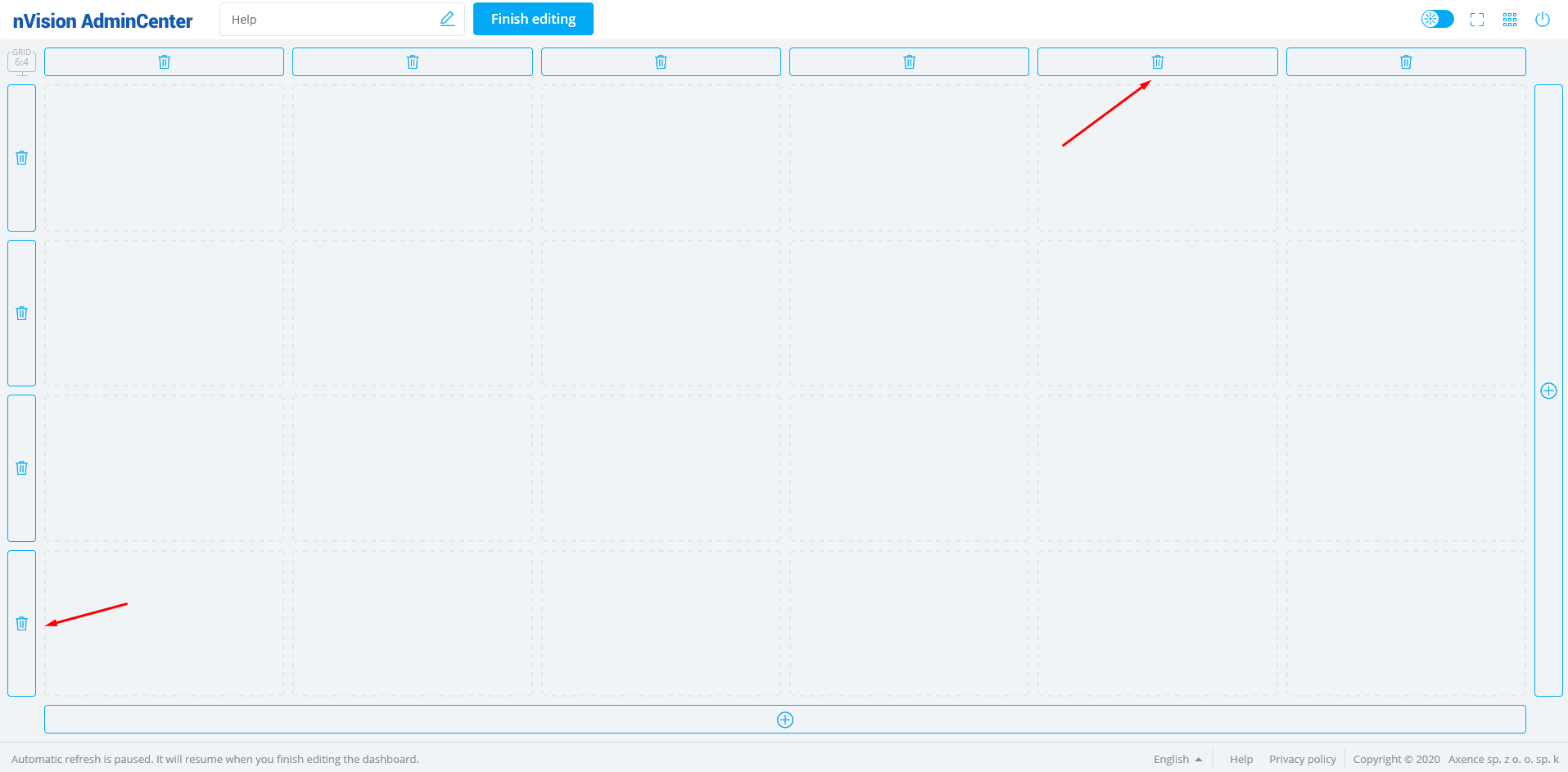
To reduce the size of the dashboard, delete a row or column by clicking on the trash icon next to it:
|