Adding a new application


|
Adding a new application |
|
|
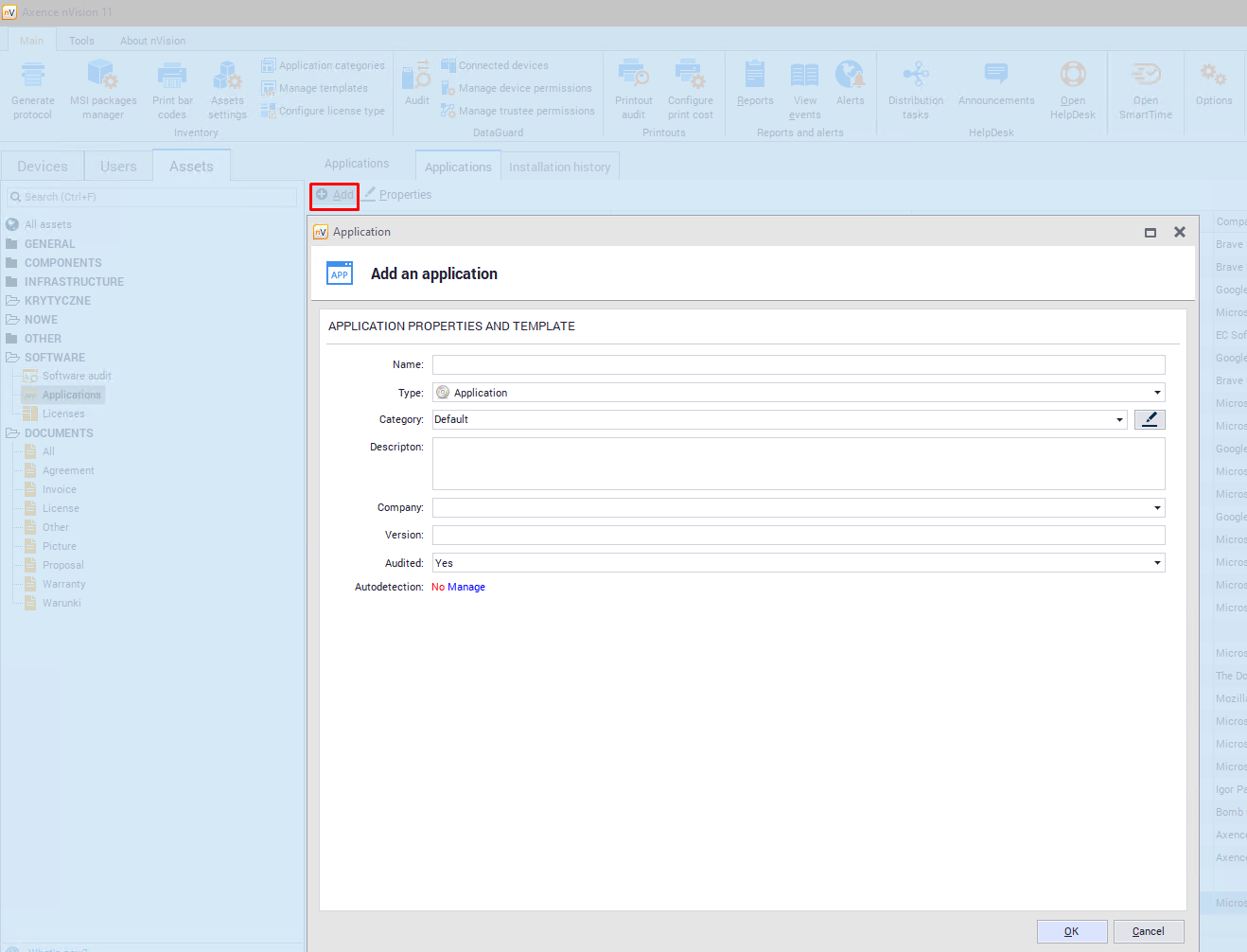
To add a new application: 1.On the Assets tab, select the Software > Applications group. 2.In the main program window, select the Applications section. 3.Click on [ Add ].
4.Fill in the required fields (name, type, category) and the optional ones. Automatic application detection is described in detail in Application template and detection. |