Application installations


|
Application installations |
|
|
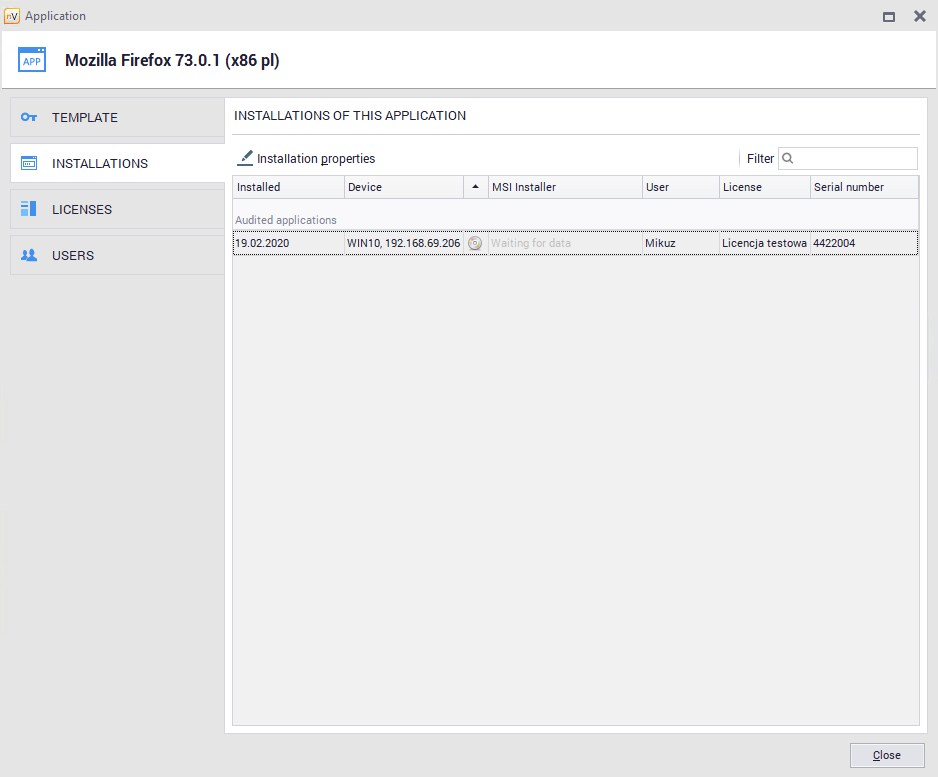
Installation – an instance of an application automatically detected on a computer with the Agent. You cannot add or delete it manually, but you can assign it to a user or a license. You will find the list of installations on the Assets > Software > Applications tab in two places: 1.In the main program window, in the Installations section (installations of all applications). 2.In the details window of an application, which opens when you double-click on an item in the Applications section. On the Installations tab, you can: •See the list of devices on which an installation of the application was detected
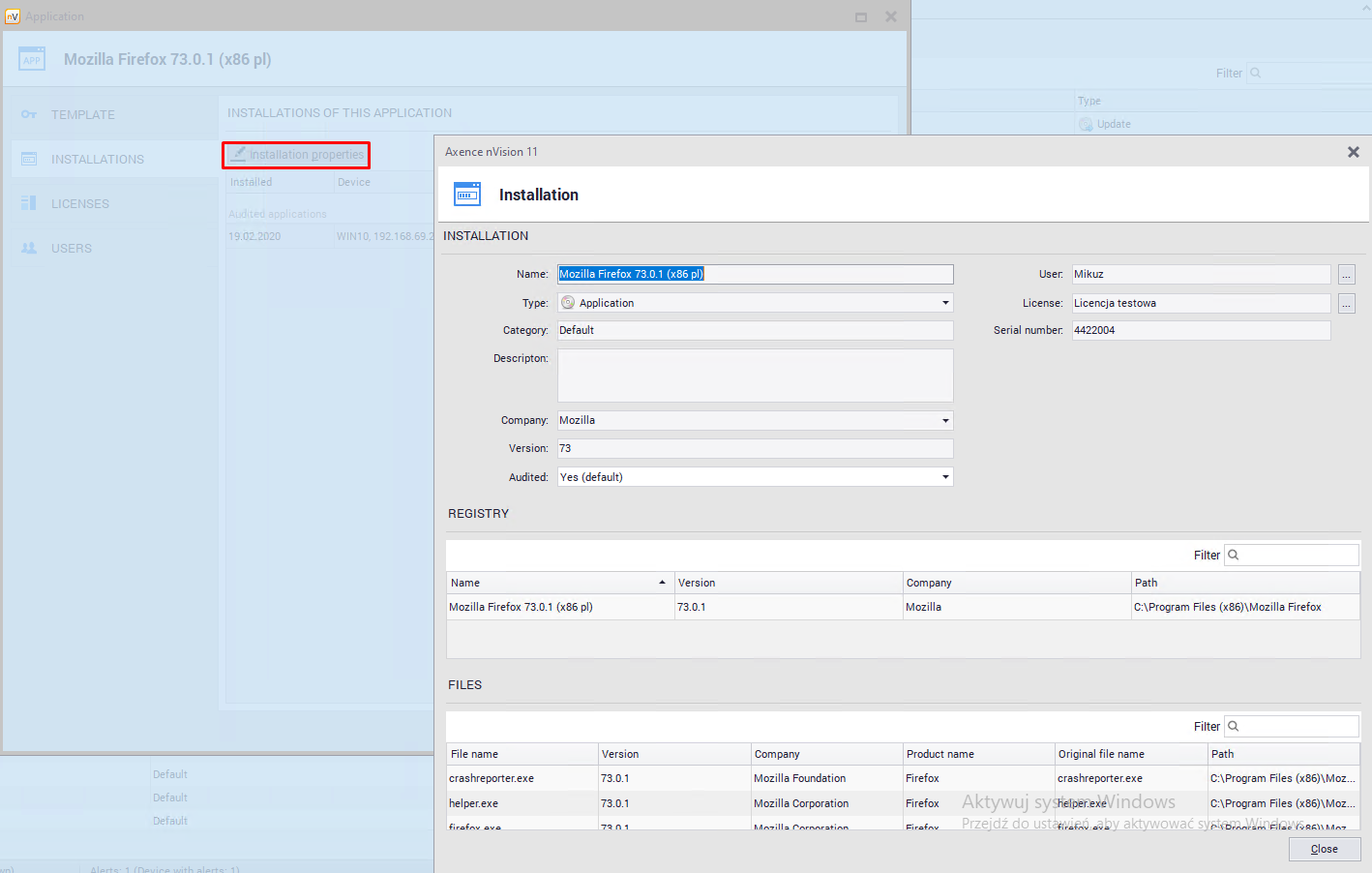
•Show information about an installation: double-click on it in the list of installations or select Properties
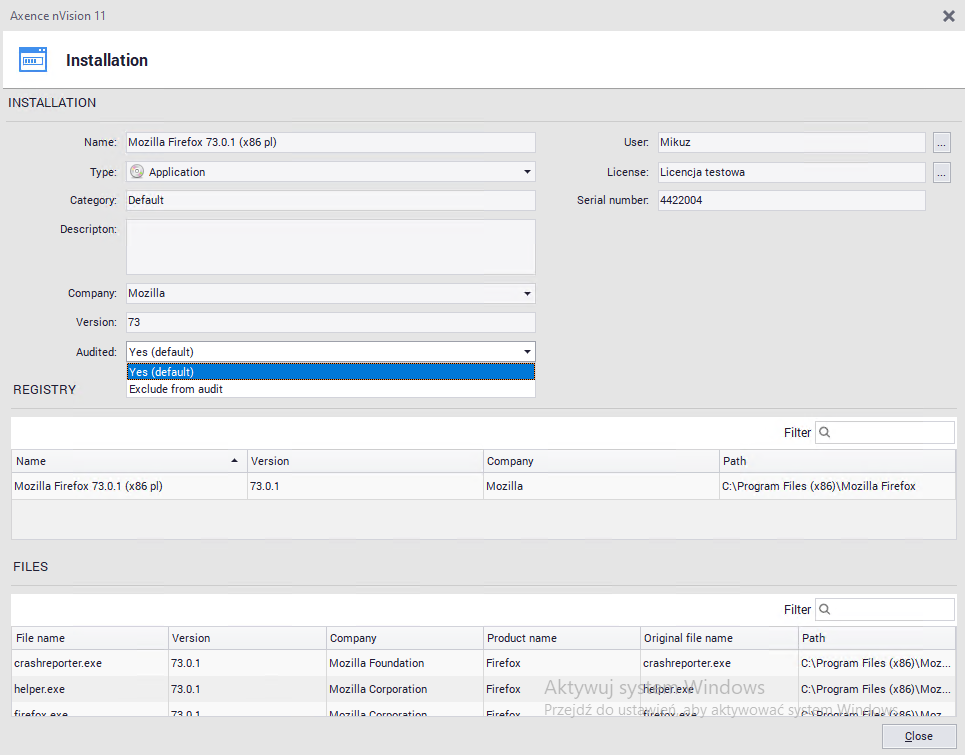
In the installation properties window, you can assign, among other things, a user and a license. This affects license settlement in some configurations. If the application is audited, you can exclude a selected installation from the audit: change the value of the Audited field in the installation properties window:
|