Installations of related applications


|
Installations of related applications |
|
|
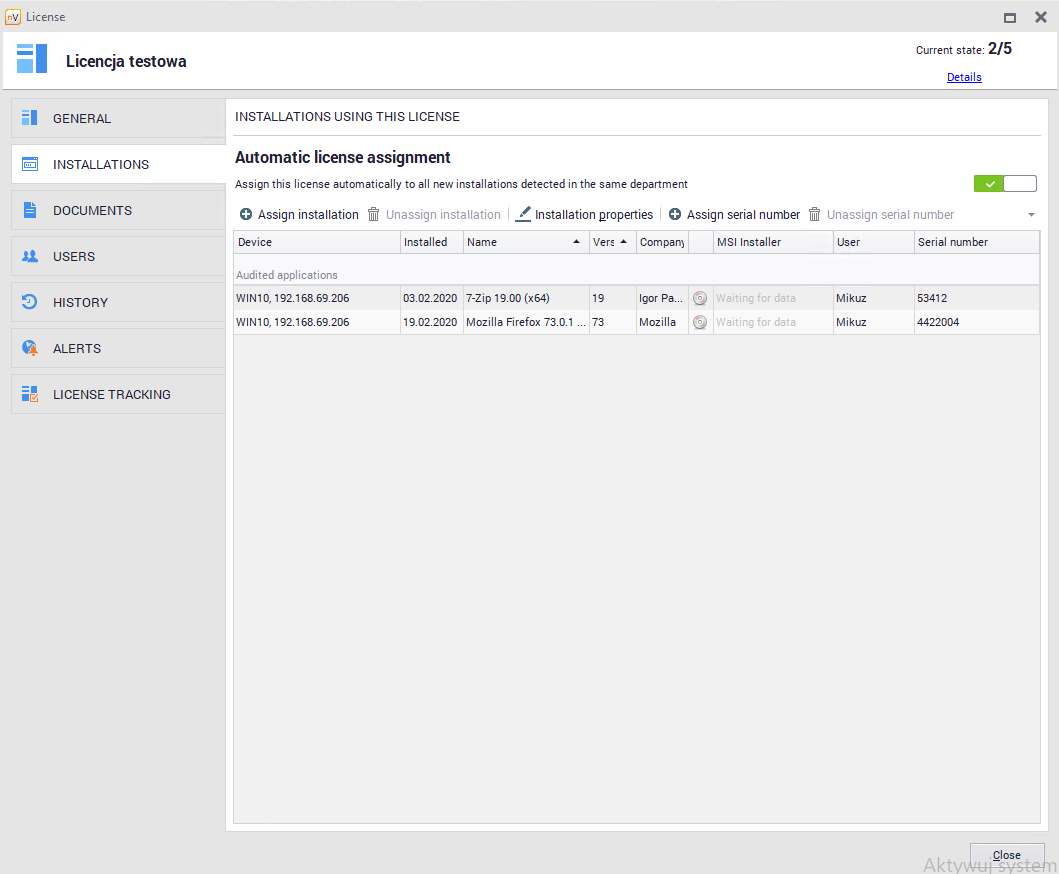
The License properties window has the Installations tab. It shows information about detected installations of applications related to the license:
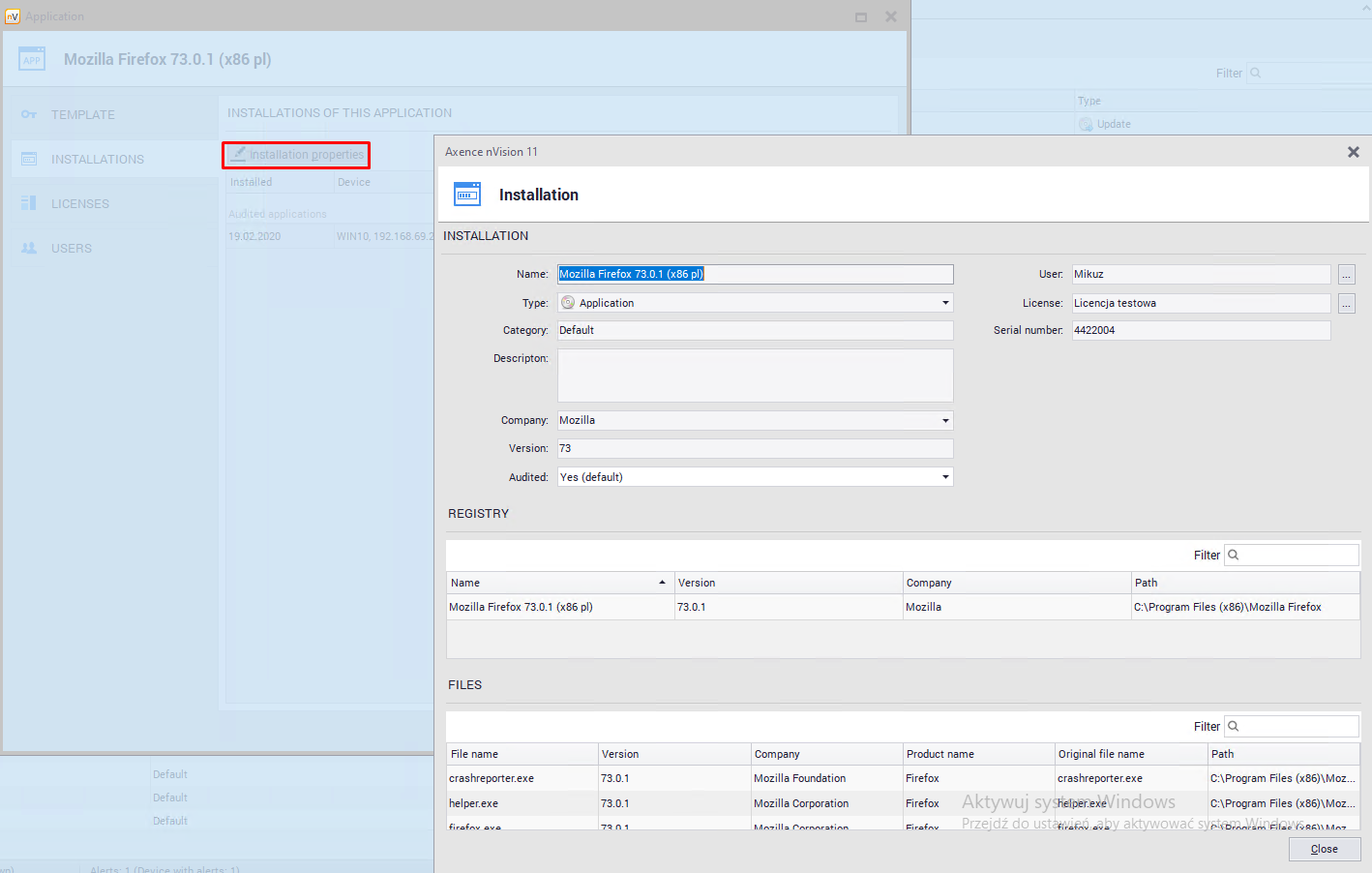
Double-click on an installation or click on [ Properties ] to see a window with detailed information about this installation:
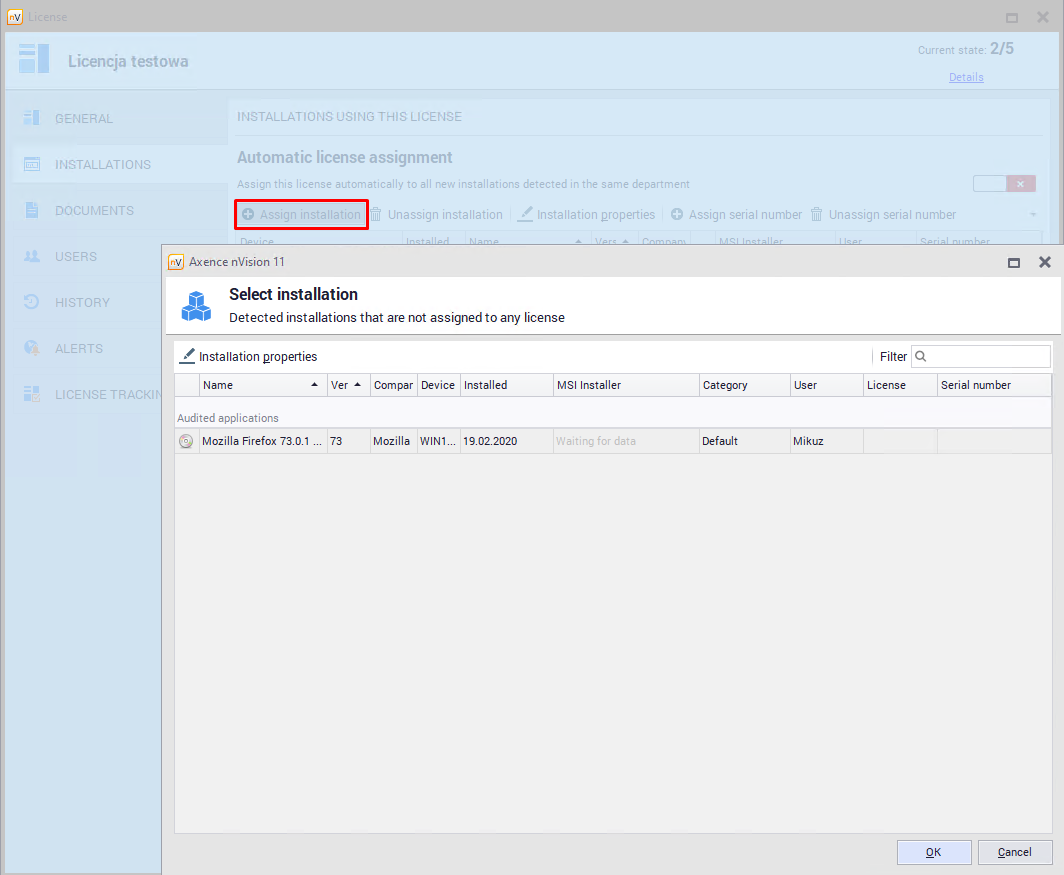
This window is described in Application installations. Automatic license assignment At the top of the installations tab, there is a switch that automatically assigns the license to newly detected installations. When it is on, new items are added to the list of installations as soon as they are detected. Adding installations If automatic license assignment is on, new items appear as new installations are detected. To add an installation of an application related to the license manually, click on [ Assign installation ] and select the item from the list:
Removing installations To remove an installation of an application related to the license, select it in the list and click on [ Unassign installation ]. If automatic license assignment is on, the removed item can return to the list. Installation serial number To assign a serial number to an installation, select it in the list and click on [ Assign serial number ]: You can select a previously defined serial number from the list. Installations with the same serial number can be configured to use only one license. For more information, see Serial number assignment and Serial numbers. |