License lists


|
License lists |
|
|
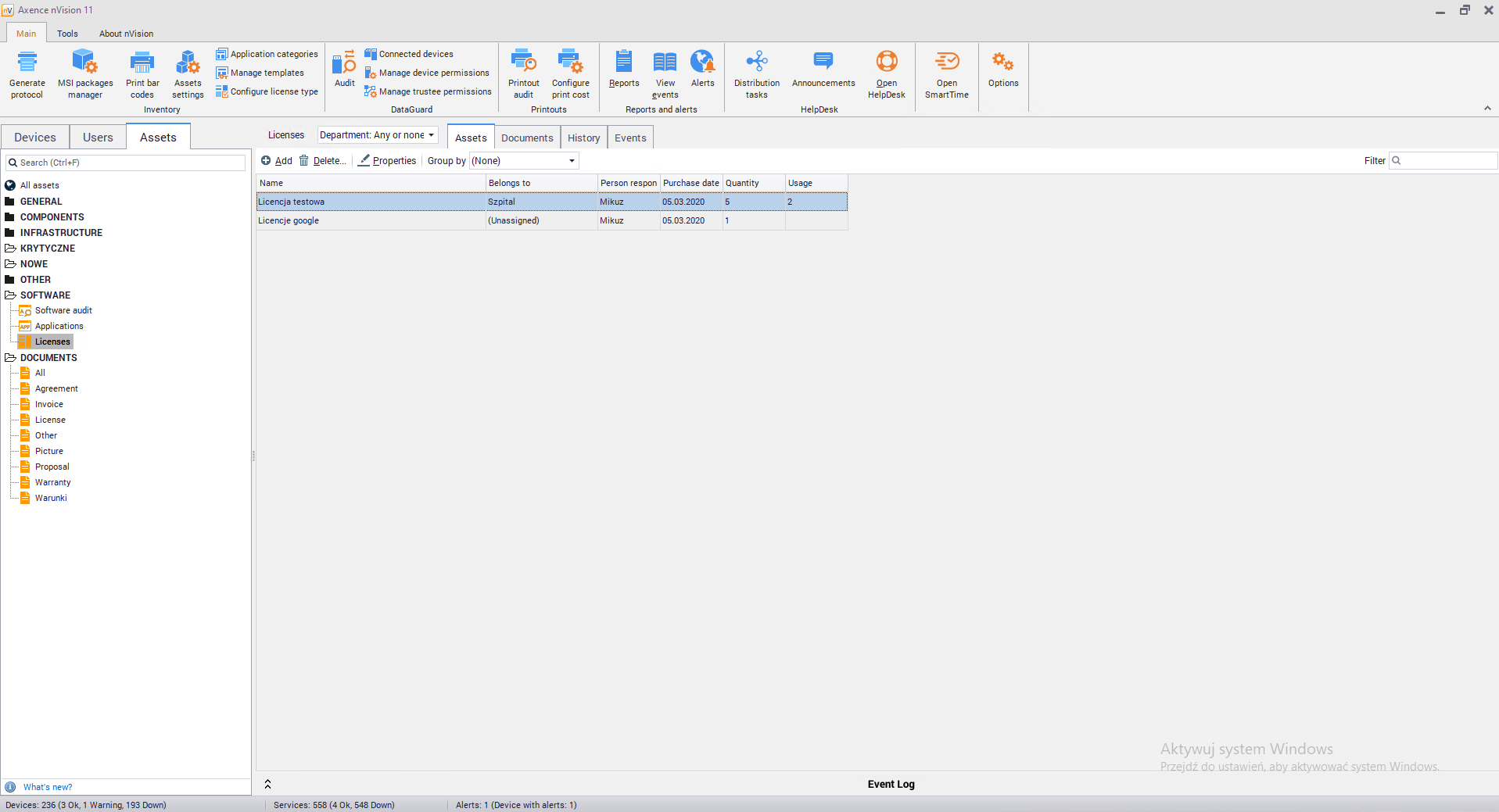
Applications and software templates are combined into one object called an application. This lets you settle license usage in various ways (for example, per user). To assign a license to an application, the application must be marked as audited. To show the list of licenses, go to the Assets tab in the main program window and find Licenses in the Software section. The list shows all licenses added to Axence nVision®:
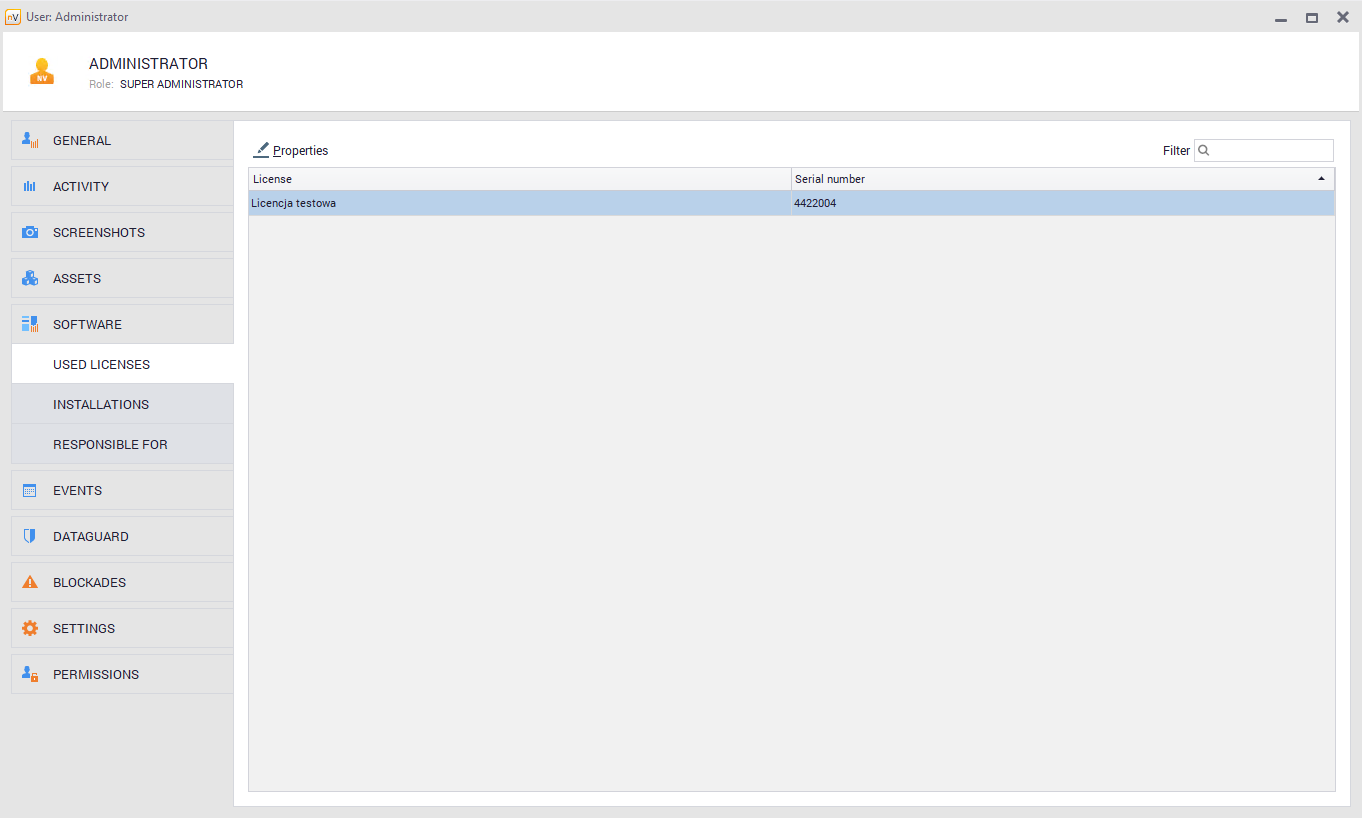
Licenses are always created manually by the Administrator. They can be related to users or to installations of selected applications. Licenses can be assigned only to audited applications. Licenses assigned to a user To show the licenses assigned to a user, open the user information window and select the Software > Used licenses tab:
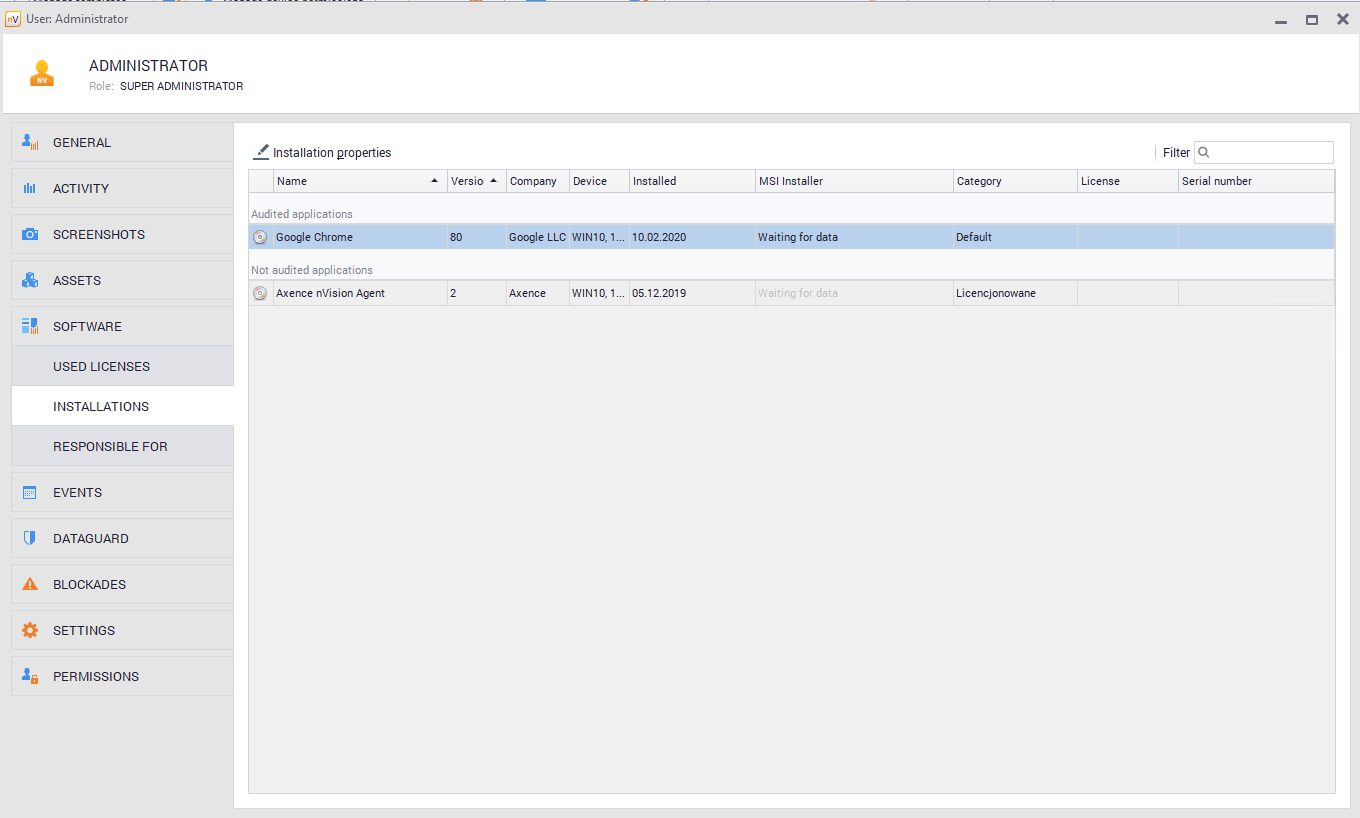
Application installations assigned to a user To show the application installations assigned to a user, open the user information window and select the Software > Installations tab:
Assigning a user to an installation lets you define license usage more precisely. For more information, see Multiple installations of a user. Responsibility for licenses In the license properties window, you can set the person responsible for the license:
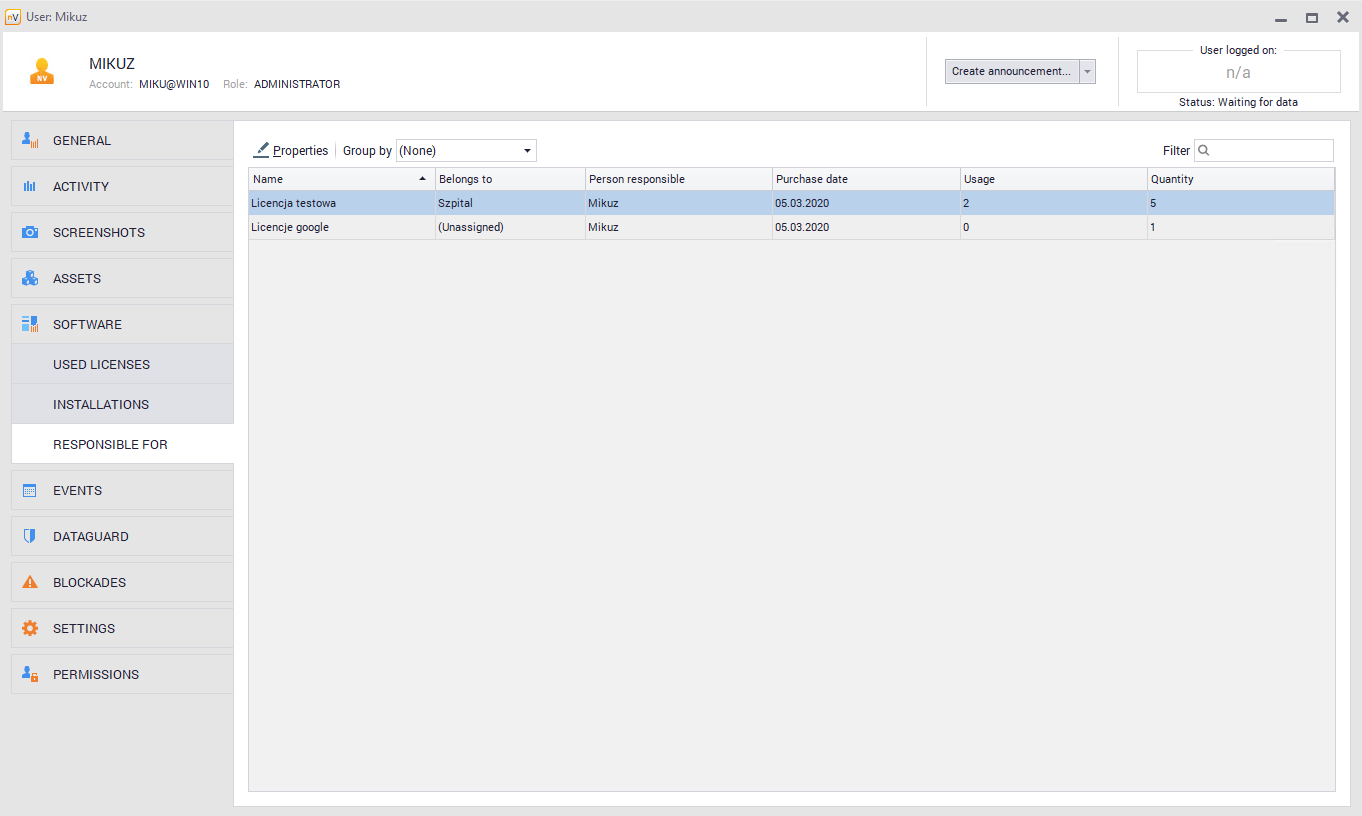
To show the licenses a user is responsible for, open the user information window and select the Software > Responsible for tab:
|