Windows event log


|
Windows event log |
|
|
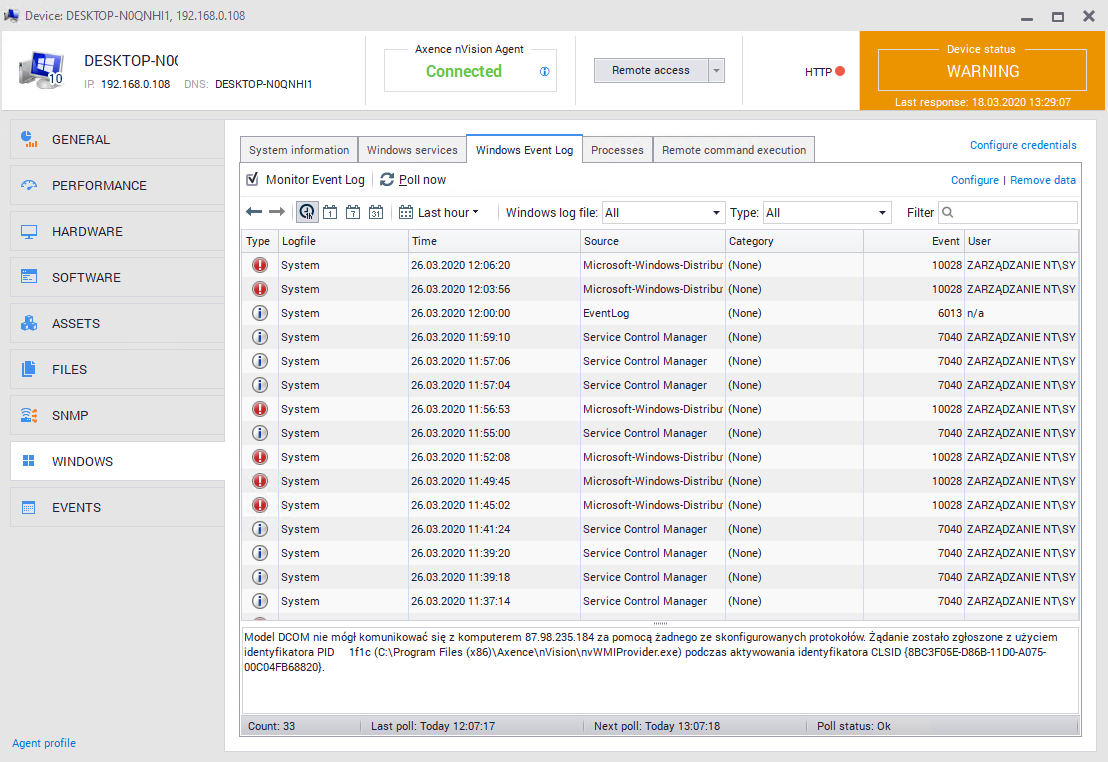
The Inventory module lets you monitor the Windows event log.
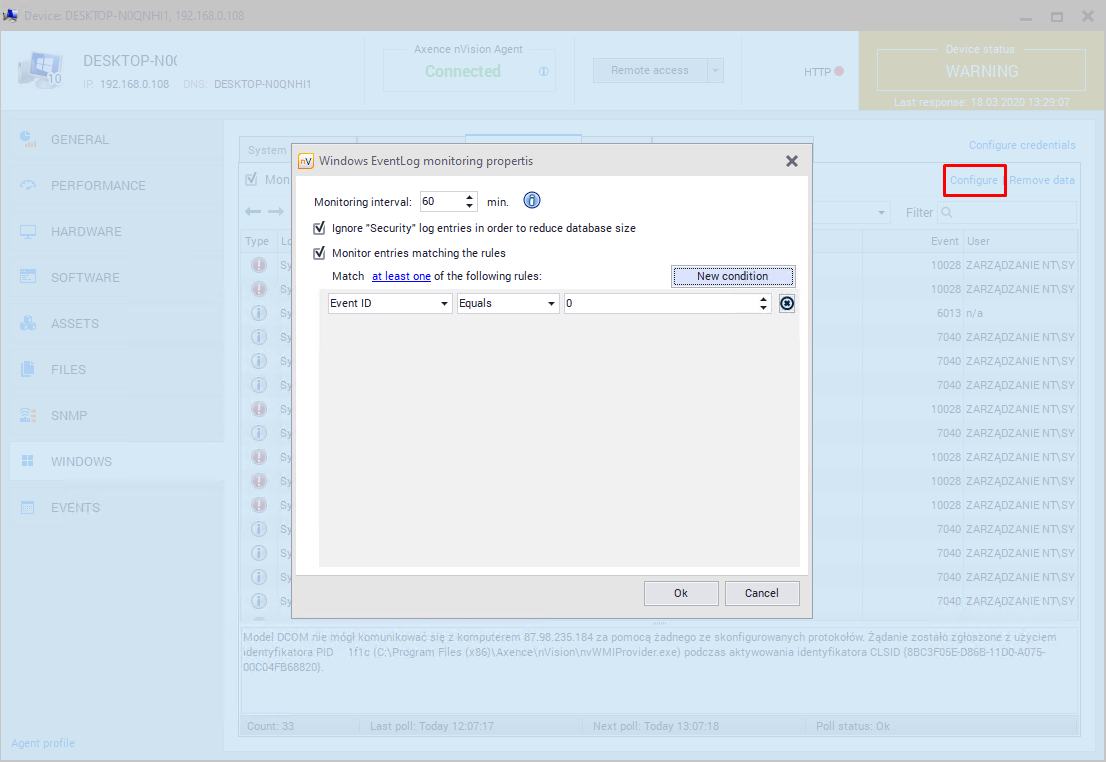
To turn on event log monitoring, in the Device information > Windows window, go to the Windows event log tab and select Monitor event log. Important! Turning on event log synchronization for many devices can significantly load the network and increase the database size. By default, Axence nVision® updates the event log every hour. In Configure, you can change the monitoring interval and define additional rules. A short monitoring interval can cause a high network load. The default Windows event log monitoring filter does not collect information about user logons:
To force immediate event log synchronization, click on |