Windows services


|
Windows services |
|
|
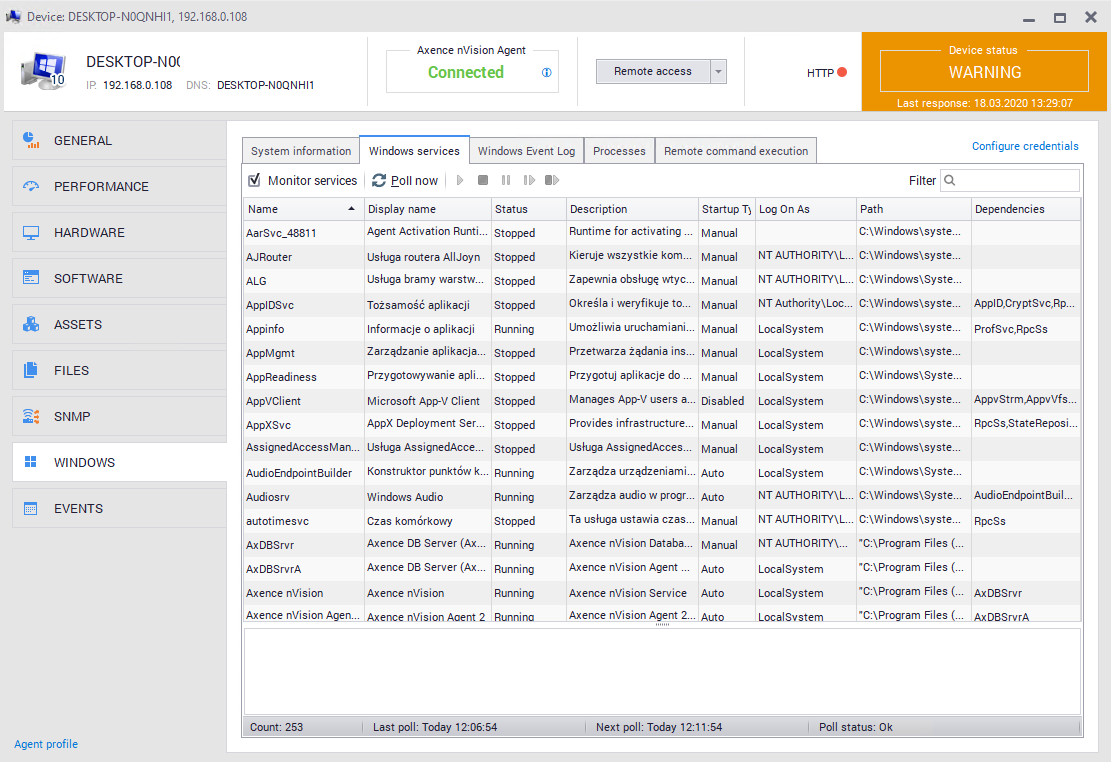
The Inventory module lets you monitor Windows services. On the Windows services tab, you can see all services related to the device. Select the Monitor services checkbox to show this list.
This view gives you detailed information about the items in the table. On the Windows services tab, you can also start, pause, stop or resume a service. Use the buttons on the bar above the list or the context menu of the service (right-click). To force a check of the current status of services, use the |