



The Power of Scripting
 You gain an edge in your network. Powershell Script Library keeps all your scripts in one place. Ready for you to deploy them to any number of workstations with a single click.
- You write your own saga and make history. Maybe your original script will enrich the Library for the entire team of admins using nVision?
- You're about to discover the secrets of this hidden knowledge. You'll soon have access to comprehensive and highly detailed documentation on implementing NIS2 and ISO 27001 standards using the nVision solution, so brace yourself! More information to follow soon.


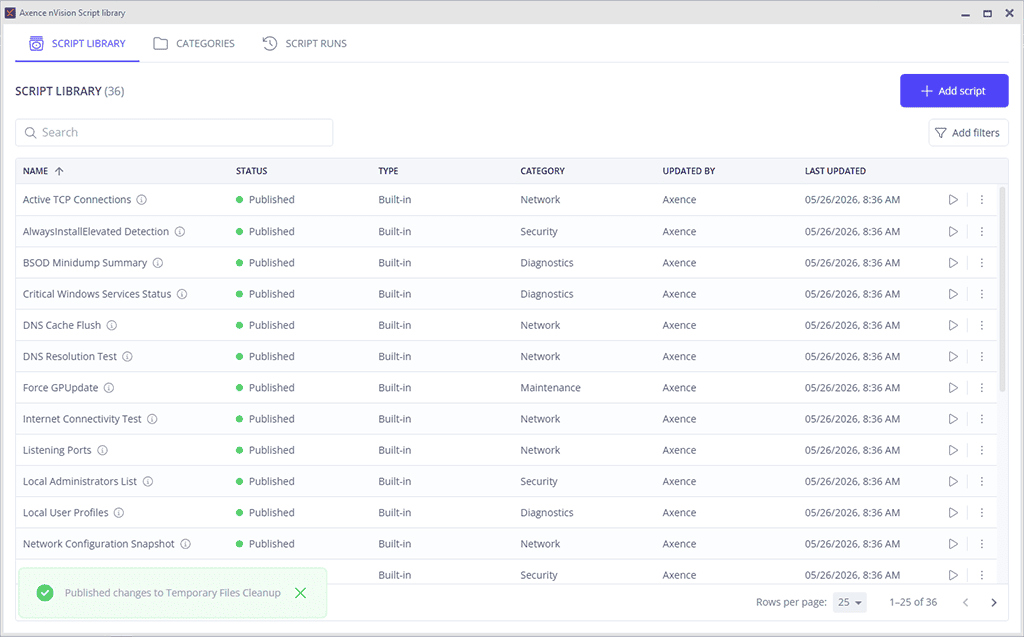
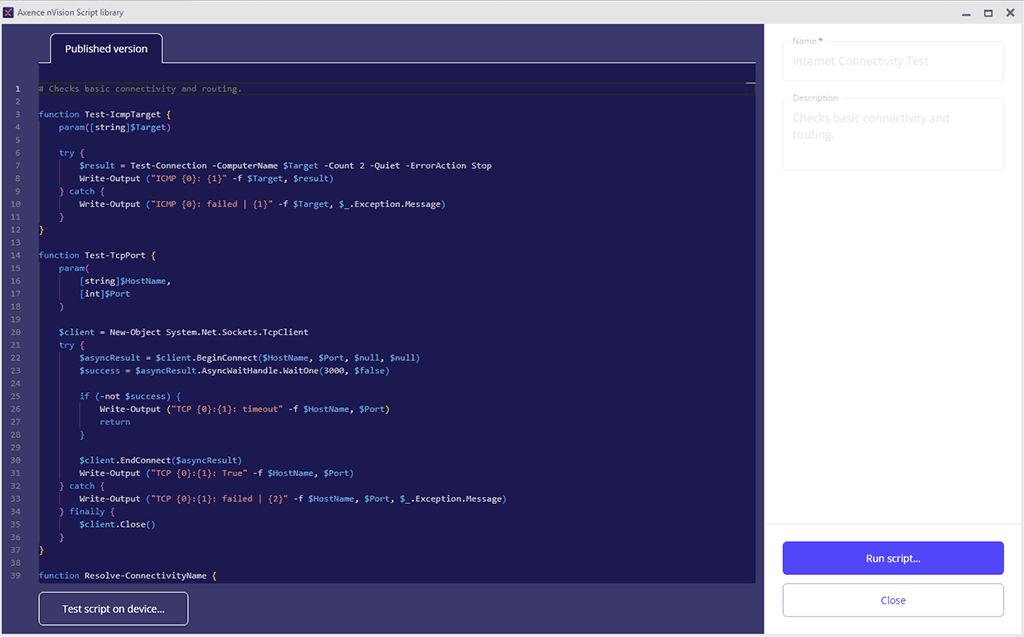
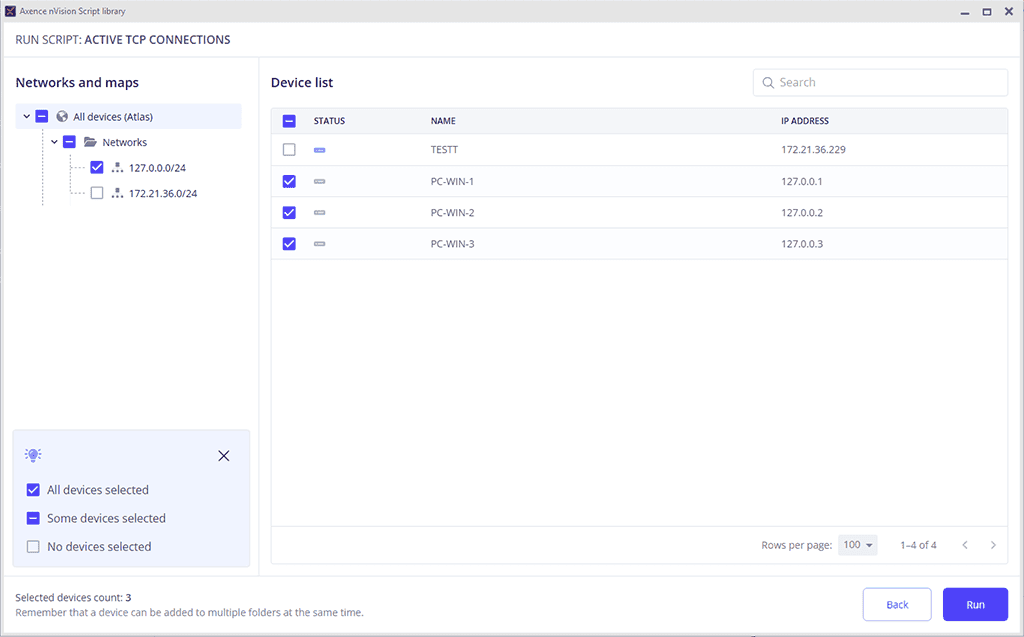
PowerShell Script Library

New interface for remote access in the HelpDesk module
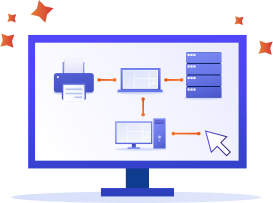
Multiple relationships between assests in Inventory

Step-by-step documentation on implementing NIS2 and ISO with nVision [coming soon]
Axence nVision® 17.5
- Secret knowledge for the whole team!
The new version of nVision is a real treat for every fearless Admin. It will allow you not only to gain knowledge, but also glory! Perhaps your wisdom will enrich Powershell Script Library in the HelpDesk module, which will be used by Admins from all over the known world! And that’s not all, because starting today:
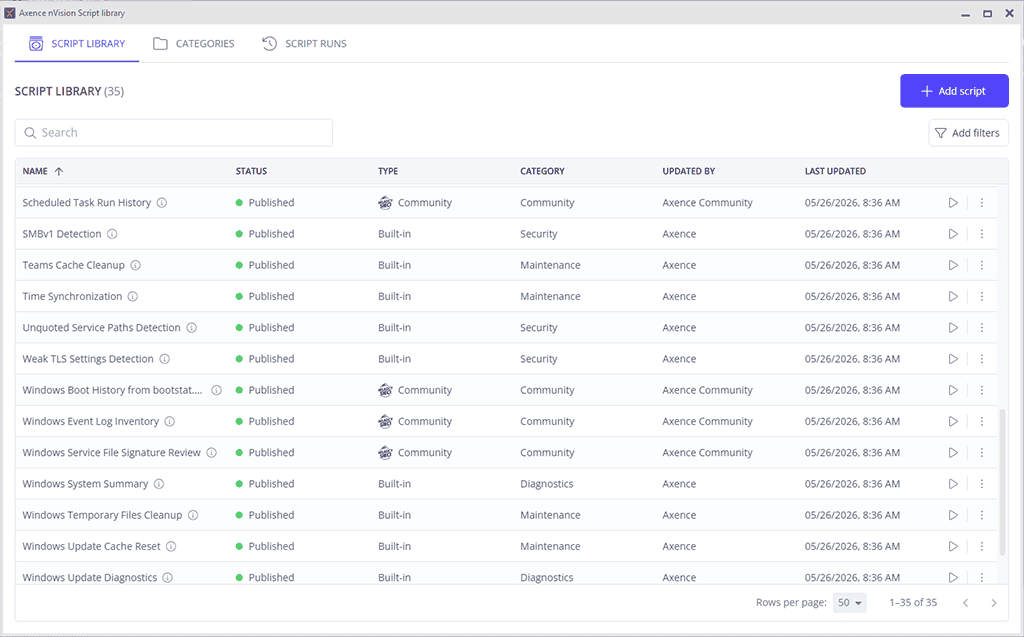
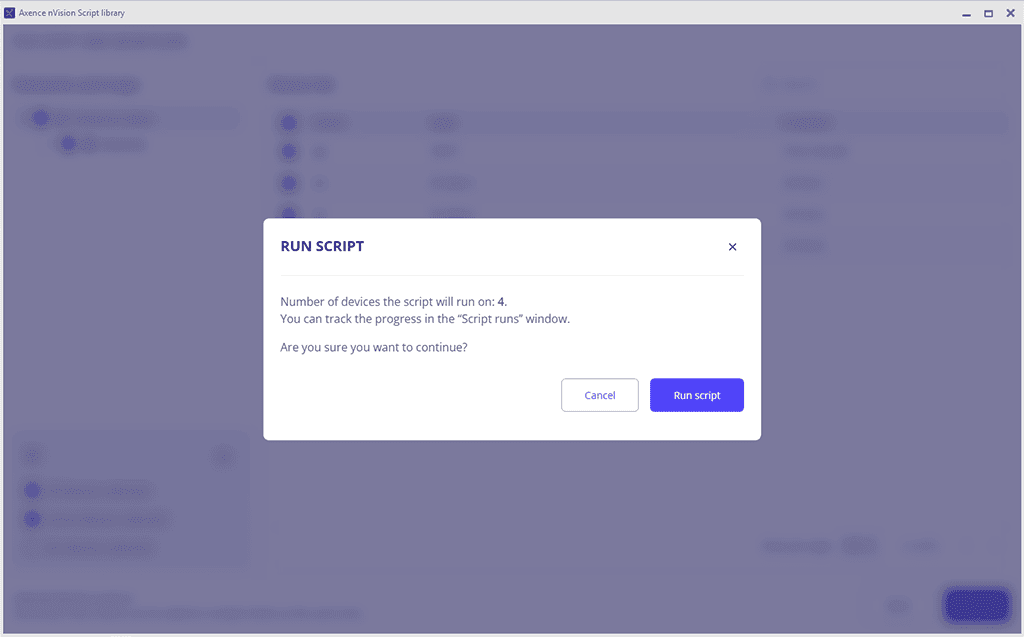
- You’ll streamline, speed up, and organize your work with the PowerShell Script Library. With it, you can deploy selected scripts to any number of workstations with a single click. You’ll also be able to track progress and view statistics.
- You’ll be able to create relations between assets in Inventory in bulk. One click instead of a hundred!
- You’ll have access to very comprehensive and detailed documentation showing-step by step and screen by screen-how to implement NIS2 and ISO 27001 standards with nVision. (arrive soon, so stay tuned).

Don’t wait until the ship disappears over the horizon
Come aboard the nVision 17.5 now and make history! Our vessel is now ISO 27001 certified, so your journey with us is sure to be safe!
Knowledge is power
The Powershell Script Library in HelpDesk is a huge improvement. It will help you organize, store, and deploy scripts in bulk to any number of user computers.
With it, you’ll have everything in one place. With a single click, you can run a script on any group, based on your nVision structure. You can sort workstations by departments, maps, and networks-just the way you work with nVision.
Glory awaits - all you have to do is claim it!
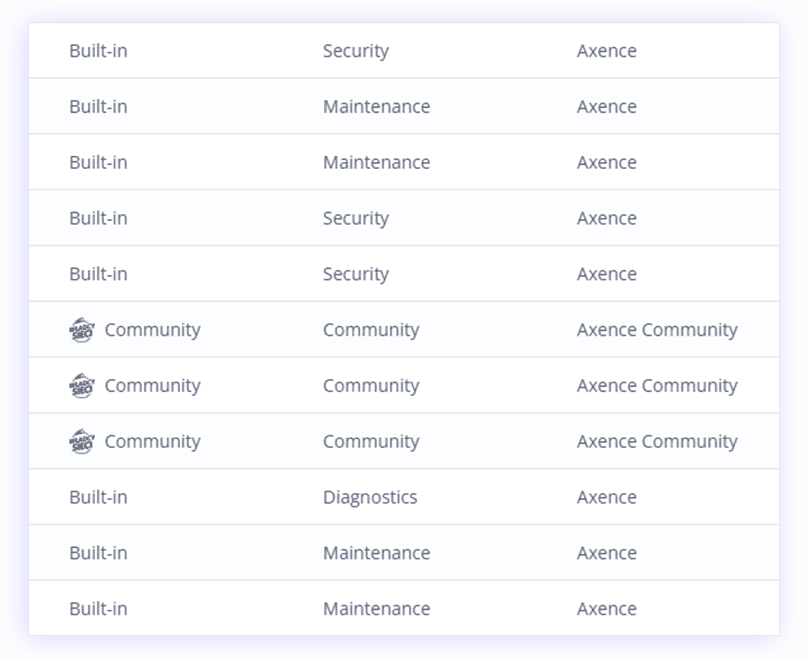
The Powershell Script Library will contain a repository of scripts from the Webmasters Community, to which you can also contribute.
Are you up for the challenge? If so, send us your script using the form - if it proves to be truly powerful, we’ll implement it for all admins using nVision. Scripts from the Community will be added to the repository gradually as part of future nVision updates.

Discover the craftsmanship in the details
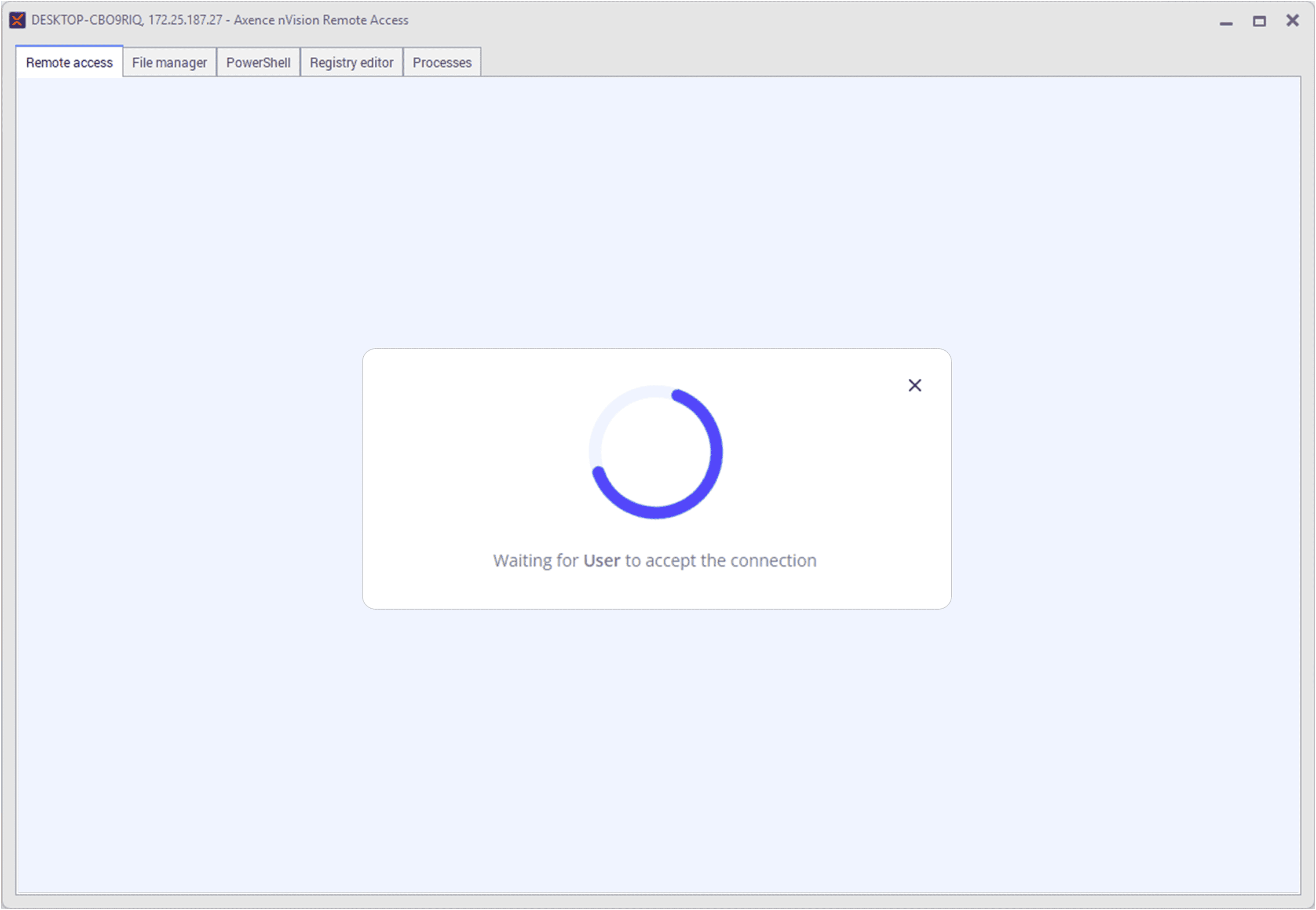
nVision 17.5 also introduces many new features to the HelpDesk remote access interface. Most notably, you can switch between sessions faster and view multiple monitors during a remote connection. Now you won’t miss a thing, even if a message or window appears on the user’s second monitor.
Another seemingly minor but significant change is the ability to specify “supervisor” as a category of approvers in the HelpDesk module. This saves you time searching for the right person to approve a ticket. nVision will find that person for you and assign them automatically.
Take control of your network
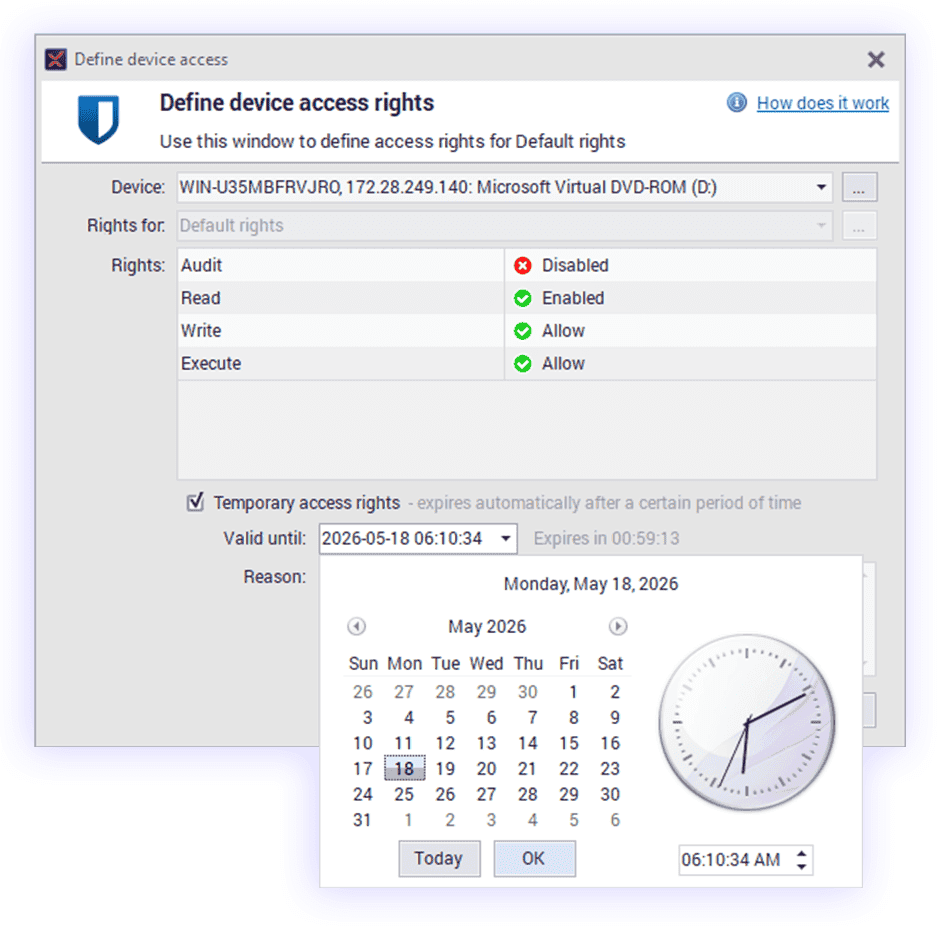
In the DataGuard module, you can now unlock storage devices -such as hard drives or USB flash drives - for a period of time you specify. This is extremely convenient and brings you one step closer to meeting security standards such as NIS2 and ISO 27001.
All you need to do is set a time in DataGuard for when a given storage device should be locked again, and nVision will take care of the rest. In Inventory, you can create multiple relations between assets. No more hundreds of clicks and hours of tedious work -just one click and you’re done! nVision saves you time and lets you take control of your network.
Changelog
New Features
PowerShell Script Library with multi-device execution.
PowerShell Script Library with script execution history and status.
PowerShell Script Library: scripts from the Władcy Sieci community.
Temporary unblocking of data storage devices.
Excluding printers from audited devices.
Bulk creation of relations between assets.
Download nVision 17.5!
Do you have an active
Service Agreement?
You don't have an active
Service Agreement?
Go to the Axence Knowledge Zone and watch the launch webinar recording with special guest Grzegorz Tworek.
Watch the webinar recordingGo to the Axence Knowledge Zone and watch the launch webinar recording with special guest Grzegorz Tworek.