Homepage Axence
Wcag tools
Image

Remote support.
Just as it should be!

Requests come in one after another. Each one is a top priority.

Everyone is counting on your help. But who will help you? With ConnectPro, you can hurry to the aid of others like a true superhero!

ConnectPro offers:

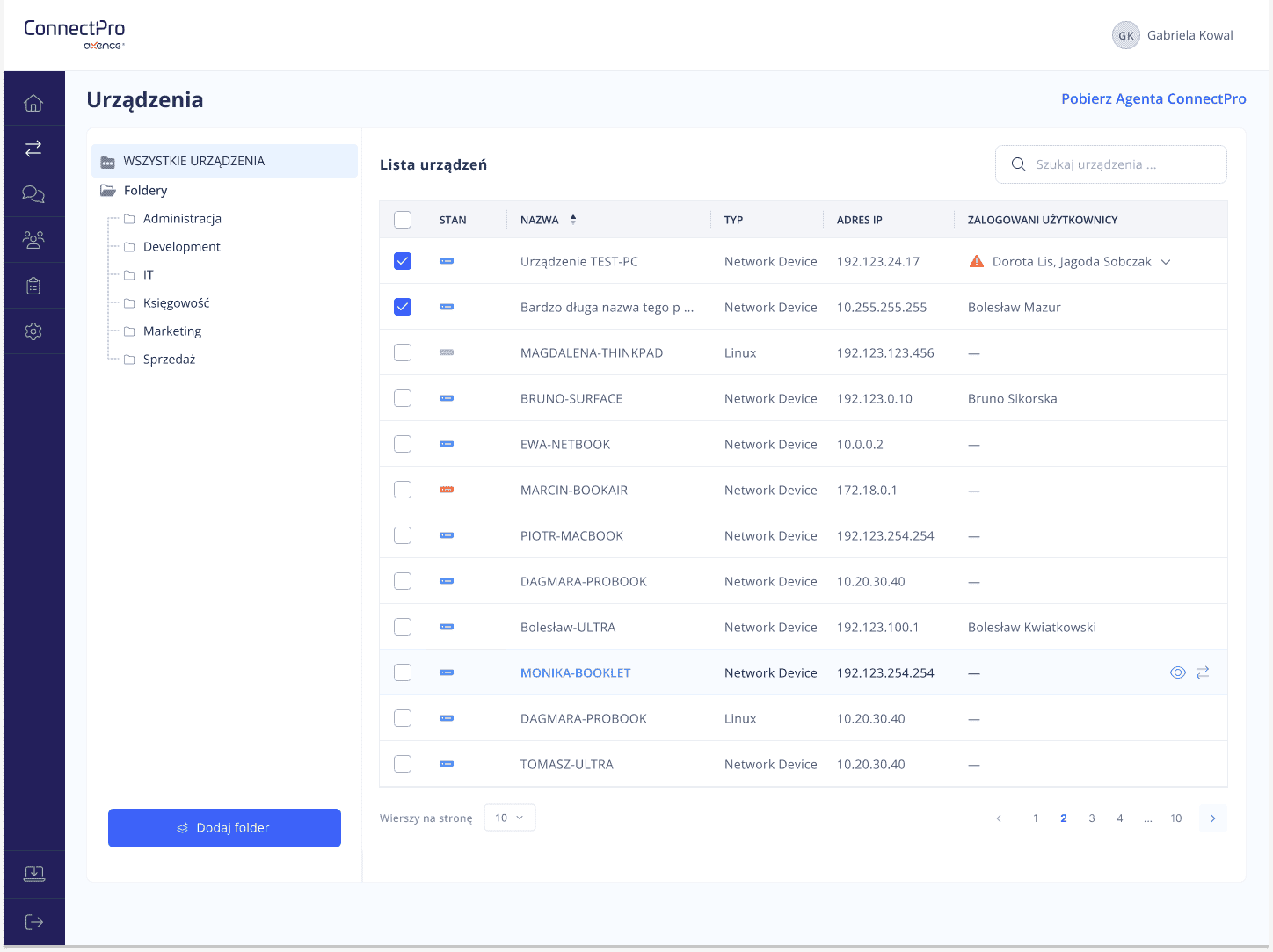
  • Full remote access with a single click.
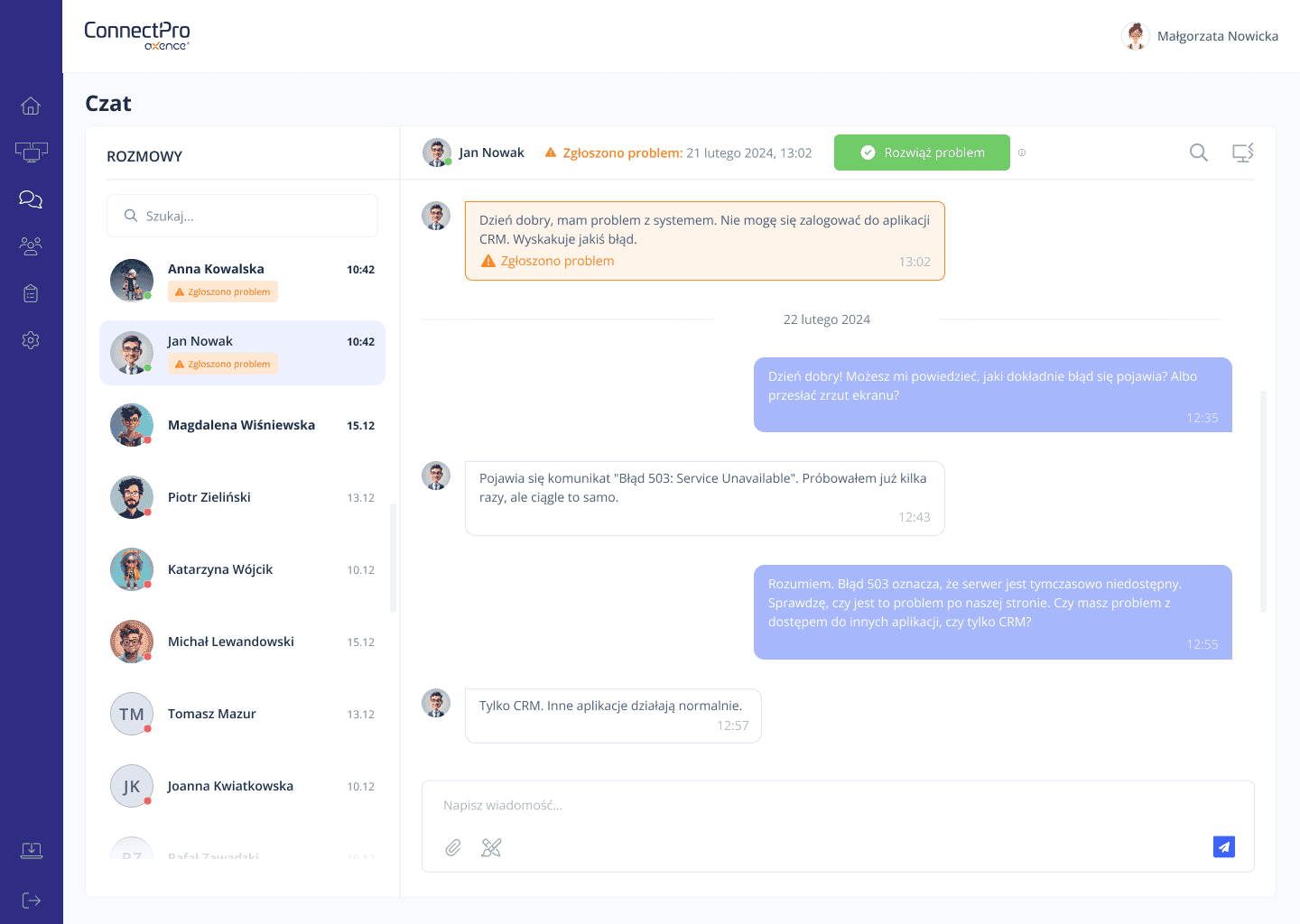
  • Ticket prioritisation and communication with the entire IT department.
  • Remote management and diagnostics.

Image
Image
Image
Unlimited connections
File manager
Chat with the entire IT department
Bulk actions
Remote command execution
Registry editor
Process list
Hardware health information
Active Directory integration
Screen masking
Sending files in chat
Full diagnostic data

Competitors

Unlimited connections
File manager
Chat with the entire IT department
Bulk actions
Remote command execution
Registry editor
Process list
Hardware health information
Active Directory integration
Screen masking
Sending files in chat
Full diagnostic data
Image

Effective communication. Remote access. No compromises.

You act instantly – like a superheroˬ

When a user needs support, you are ready. ConnectPro collects and organises all requests in one place, so nothing escapes your attention. Chat with the entire IT department, quick responses, sending attachments – everything is at your fingertips, ready to go.

Remote access with one clickˬ

ConnectPro Agent runs in the background all the time, so you can connect to your computer with one click – no restrictions, no waiting. If user consent is required, ConnectPro will automatically request it. You can also hide the screen during service to work without distracting the user.

Full control – without disrupting workˬ

You gain access to information about the state of the computer: processor, RAM, disks, software and many other parameters – without interrupting the user's work. Transfer files, edit the registry, run commands, including PowerShell – all remotely and instantly. ConnectPro is supported by over 20 years of Axence's experience in developing IT tools.

You can use the full ConnectPro functionality free of charge for one year!

No limits on administrators, connections or workstations

Three good reasons to choose ConnectPro!
Image

You help like a superhero

ConnectPro runs on your server and integrates with Active Directory. It supports both local network and remote computers. With active Agents, you have constant access to every workstation and can take over the screen at any time – without delays. 

Image

One year free – no strings attached

You get the full version of ConnectPro completely free of charge – for 12 months.

No limits on workstations, no hidden conditions, no credit card details required. Simply: full functionality for your entire organisation. 

Image

Help when you really need it

The Quick Help feature allows you to provide quick support even when the user does not have ConnectPro Agent installed.

Simply generate a Quick Help file, send it to the user, and connect using a one-time code.

No permanent installation. No complications. No wasted time. 

Enjoy one year free!

Your one-year Axence ConnectPro® license is waiting for you!

Don't wait any longer and download your free license and see how easy remote support can be.

Download the installer and use for free

What if I want to use ConnectPro on the intranet?

If you want to use ConnectPro on the intranet, we suggest you purchase a commercial license by contacting our sales department. In any other case, our offer means one year of free use of the tool's full functionality without restrictions.

Fill out the form
Image

Tomasz Domalewski

Presales Consultant at Axence

ConnectPro is a simple and effective tool that you can rely on. Rapid remote assistance and access couldn't be simpler or more intuitive.ConnectPro is a simple and effective tool that you can rely on. Rapid remote assistance and access couldn't be simpler or more intuitive.

Any questions?

Great! Below you will find answers to the most frequently asked questions. However, if you have any other questions, please do not hesitate to contact us! We will answer any question you may have.

What are the benefits of Axence ConnectPro not being a cloud solution but running locally (on-premises)?
Axence ConnectPro's on-premises model—meaning it runs entirely within your organization's infrastructure, without the use of external cloud servers—offers a number of significant benefits, especially in terms of security, regulatory compliance, and full control over the system.

  1. Full control over your data and infrastructure
    All ConnectPro components (server, connection data, logs, configuration, chat) are physically located within the organization, not in an external data center. This means that IT administrators have full knowledge of where the data is located and who has access to it. This eliminates the risk of privacy breaches by external cloud service providers.

  2. Better data transmission and storage security
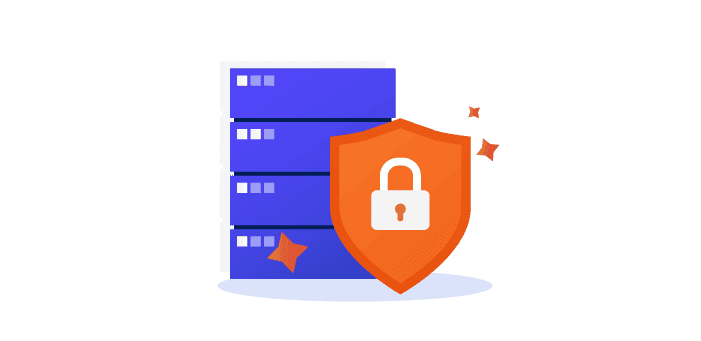
    No transmission over the Internet to a public cloud significantly reduces the risk of data interception or unauthorized access. All connections are made through secure channels (TLS 1.2), and all communication takes place locally or through securely configured external IP addresses.

  3. Compliance with internal policies and regulations
    Many institutions, especially public, local government, financial, and educational institutions, have strict regulations regarding data storage. An on-premises solution makes it easier to meet these requirements, as no data is transferred outside the organization. This is important, for example, in the context of GDPR, ISO 27001, the National Cybersecurity Act, or internal audits.

  4. No dependence on external service providers
    The organization is not dependent on the availability or stability of infrastructure provided by third parties. Even in the event of an Internet outage or problems with the cloud service provider, the tool continues to work locally, ensuring continuity of service for users.
Is it really a free license?
Yes. We provide you with a free annual license. No hidden costs, tricks in the small print, or other ambiguities. The only situation in which we ask you to purchase a commercial license is if you want to use ConnectPro on an internal network (intranet). In all other cases, it is a free license with no restrictions on the number of workstations, administrators or simultaneous connections. We do this because, as a brand with over 20 years of experience, we know that experts like you expect the highest quality tools. We support 3,500 customers worldwide on a daily basis, so we know what administrators around the world are up against. We also know that they deserve more when it comes to providing remote support.
What happens after the one-year license period?
After one year, you will have the option to renew your license on a commercial basis. However, it will not be automatically extended, so no worries there. If you want to stay with us, we will be delighted to continue supporting you, if not, you can simply choose not to renew your license.

Want to see what's included in the packages we offer? Go here.
Are there any restrictions on the use of the license (devices/administrators/users)?
There are no such restrictions; we provide a license tailored to your needs.
When is a commercial license required?
If you want to use ConncetPro in an intranet. In this case, please contact our sales department, who will offer you the best solution.
Is it possible to switch from ConnectPro to nVision?
Yes, it is possible to migrate to nVision. If you are interested in this solution, please contact our sales department.